Inquire
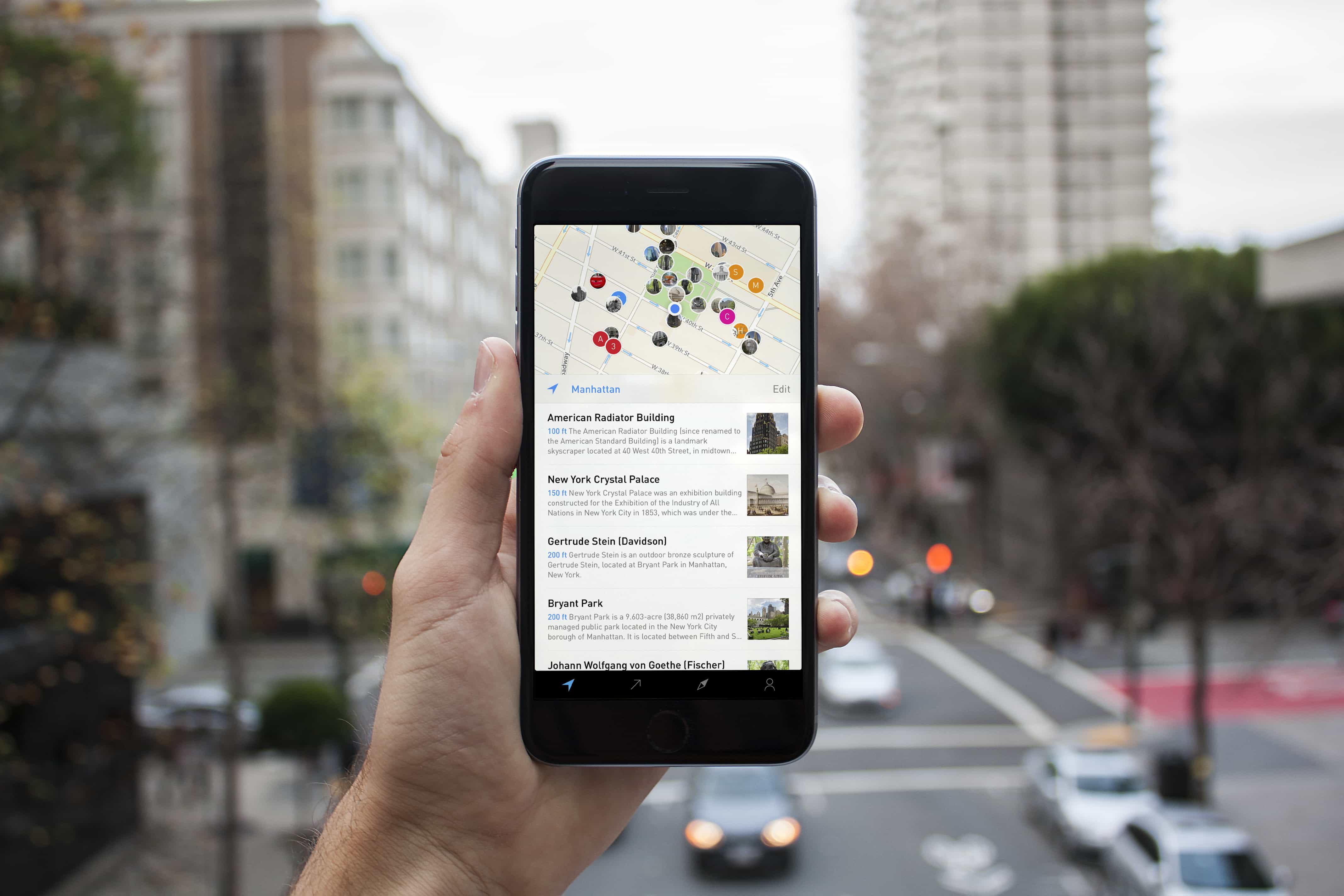
Inquire is a Wikipedia reader for iPhone and Apple Watch, with nearby articles, trending topics, and curated collections.
Before it was Inquire
Chris Masterson and I started Curiosity in June 2014. It was our second app at Tamper, after Morning.
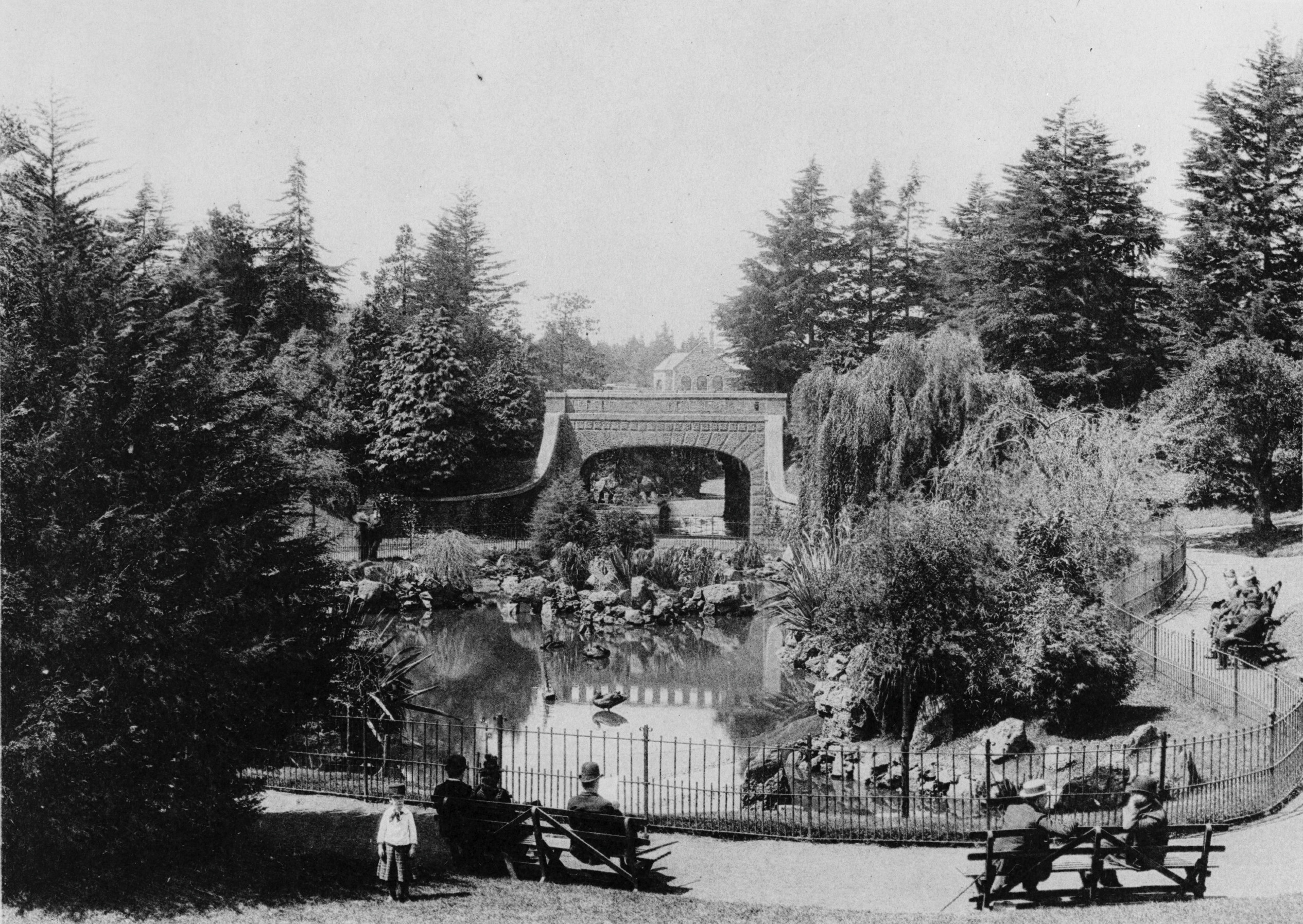
One inspiration was 99% Invisible's episode Rebar and the Alvord Lake Bridge. I walked by and under that bridge in Golden Gate Park all the time, without knowing it was the first reinforced concrete bridge built in the United States. The podcast made me wonder what else I didn't know about the places around me.
I wanted an app that could help me make those discoveries, even when I didn't know what to look for. We started with Wikipedia's relatively new geolocation API, and later added SPARQL queries against Wikidata to find more connections between places and subjects.

The first designs
Swift had just come out, and I had the idea for Curiosity. Building the app was a good way to develop that idea and learn Swift at the same time.
By March 2015, we'd been through about five designs and rewrites.
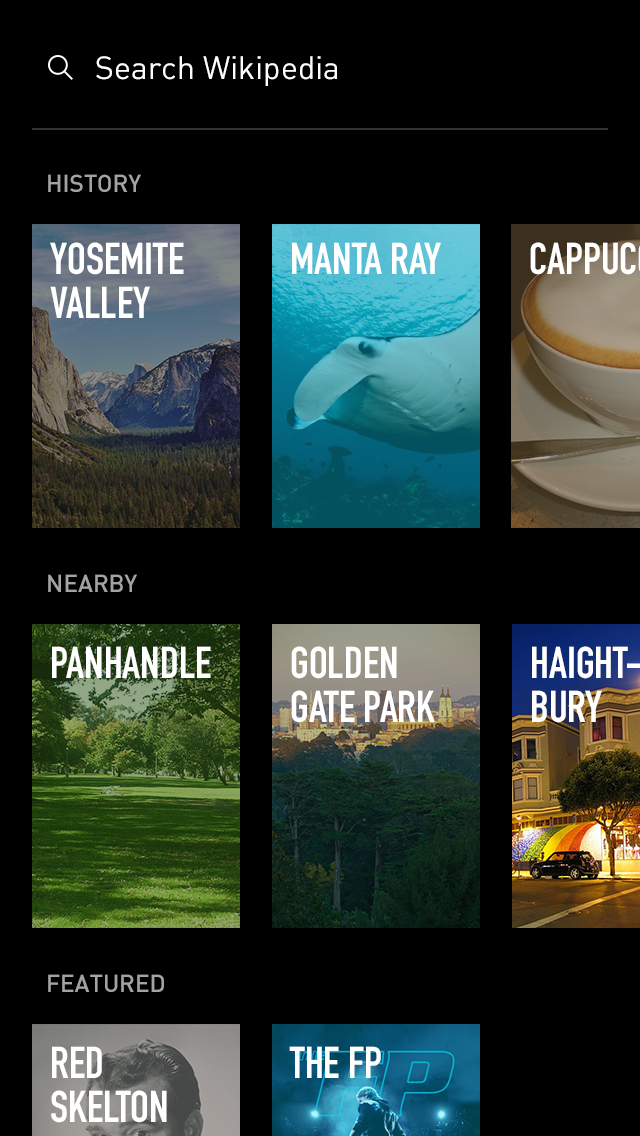
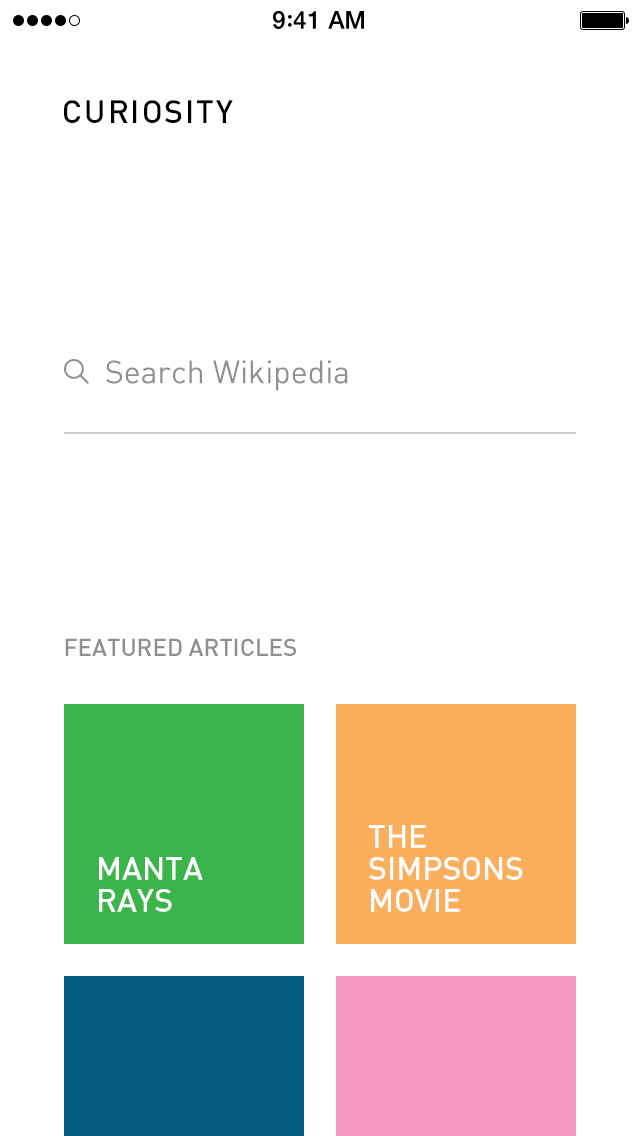
Making it move
These are early prototypes from July and August 2014. The first shows the Yosemite Valley reader running on an iPhone. The second shows a navigation experiment in Quartz Composer. Pulling the article down folded it back into a card on the home screen.
Finding the app in the map
One early home-screen study used a colored grid of categories. Nearby, Popular Today, Featured on Wikipedia, and On This Day each had a tile with a few article suggestions.
By early 2015, nearby places were becoming the main way into the app. A February demo moves between the map, popular articles, search, and the reader. It is much closer to the Curiosity we eventually shipped.
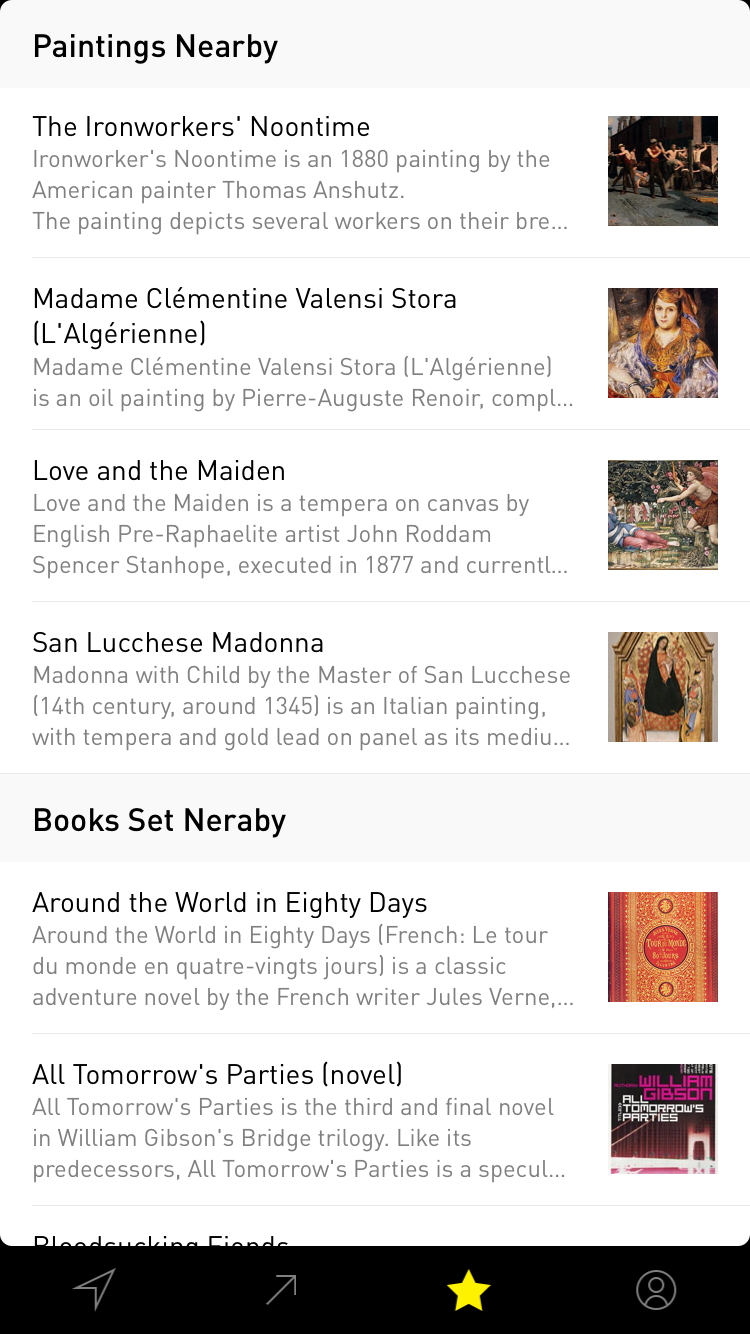
By June, the working app had collections such as Paintings Nearby and Books Set Nearby. Your location could be a way into art and literature as well as the buildings around you.
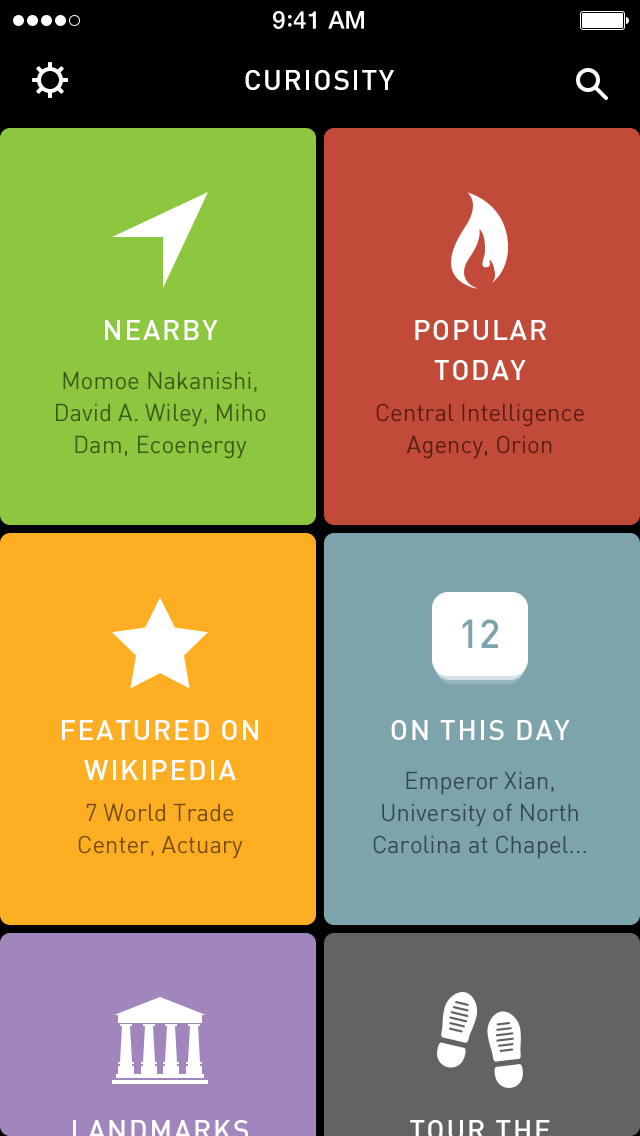
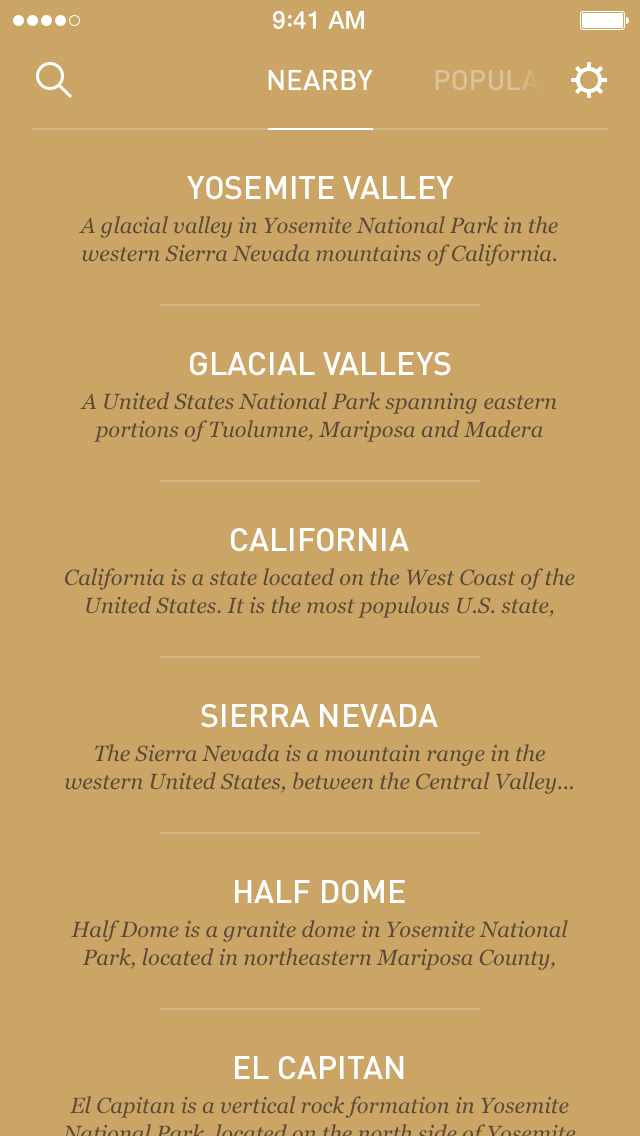
Trying the Apple Watch
On April 1, 2015, I went down to Apple's WatchKit Labs in Sunnyvale to try the Apple Watch before it went on sale. I had to cover my phone's camera before I could use the hardware.
I got to spend time with the Watch and test an early version of Curiosity on it. The app showed nearby places with a photograph, distance, and short description. It was a chance to try the idea on the actual device before people could buy one.
A place to start reading
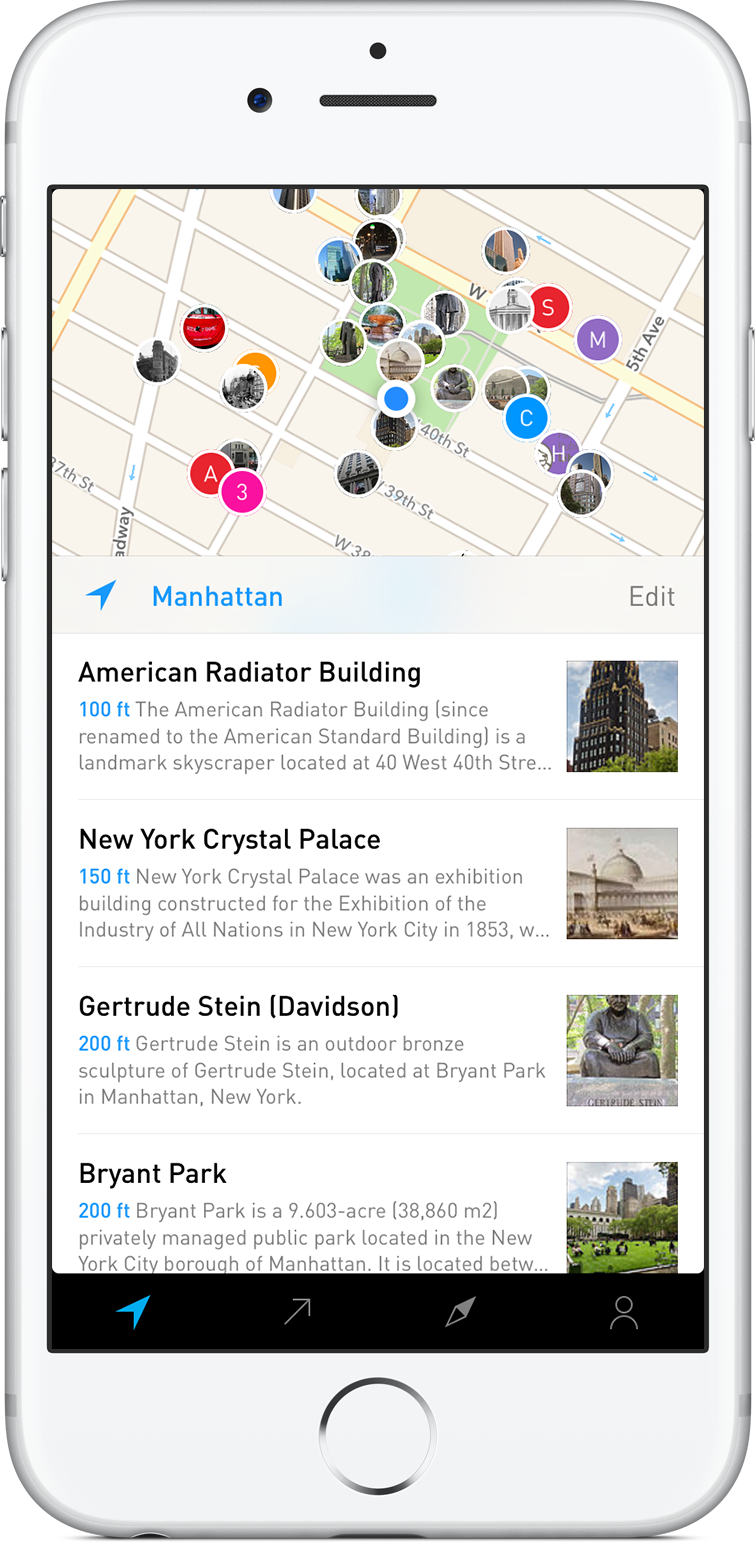
We launched Curiosity on December 8, 2015, for $1.99 on iPhone. Opening the app immediately brought up nearby Wikipedia articles. A map of picture pins let you choose a place by its location or appearance, even when you didn't know its name.
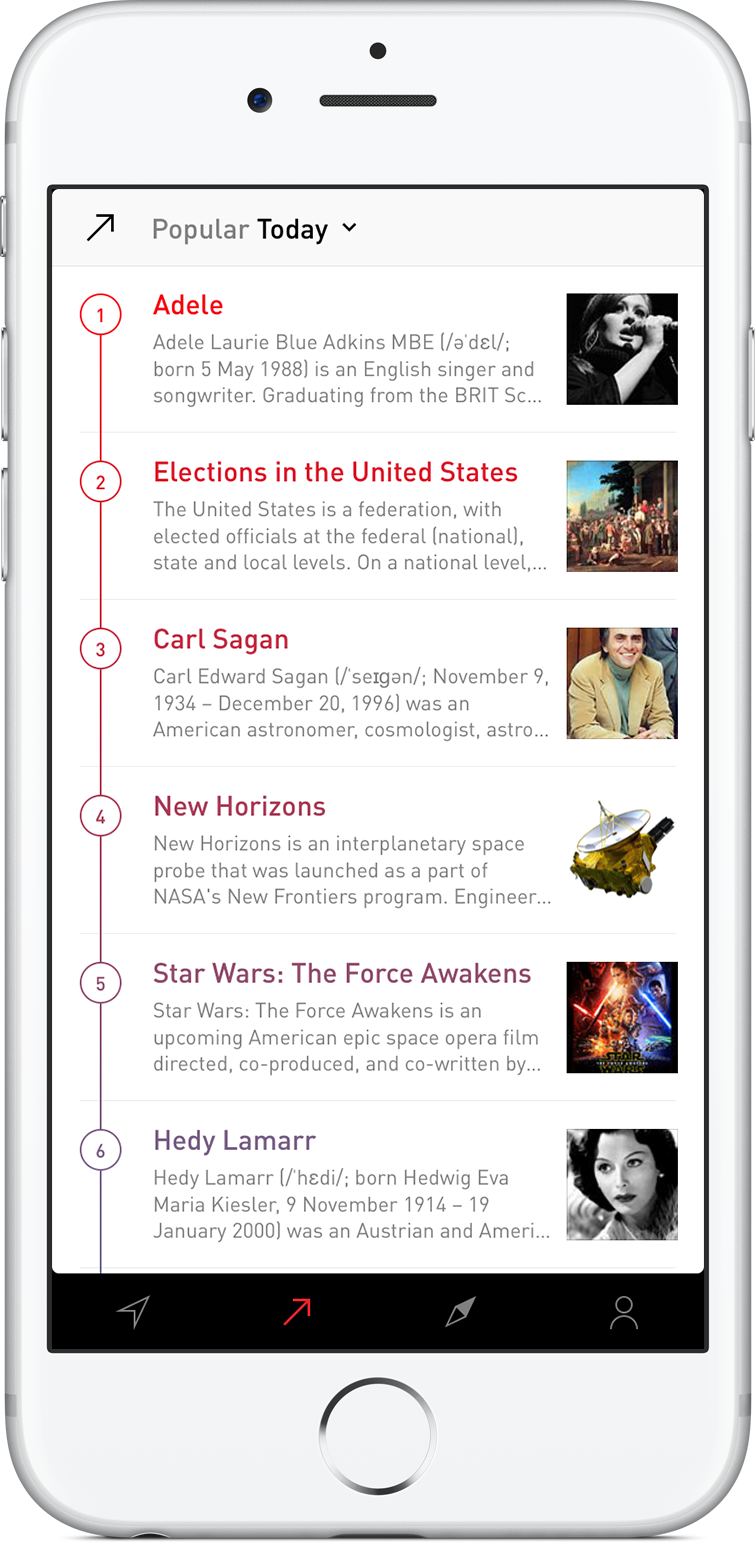
Popular showed what people were reading about, while Explore assembled subjects such as movies filmed nearby, historic battles, and famous inventors. You could follow a local connection, catch up on a news story, or wander into another subject altogether. Bookmarks and history kept track of the articles along the way.
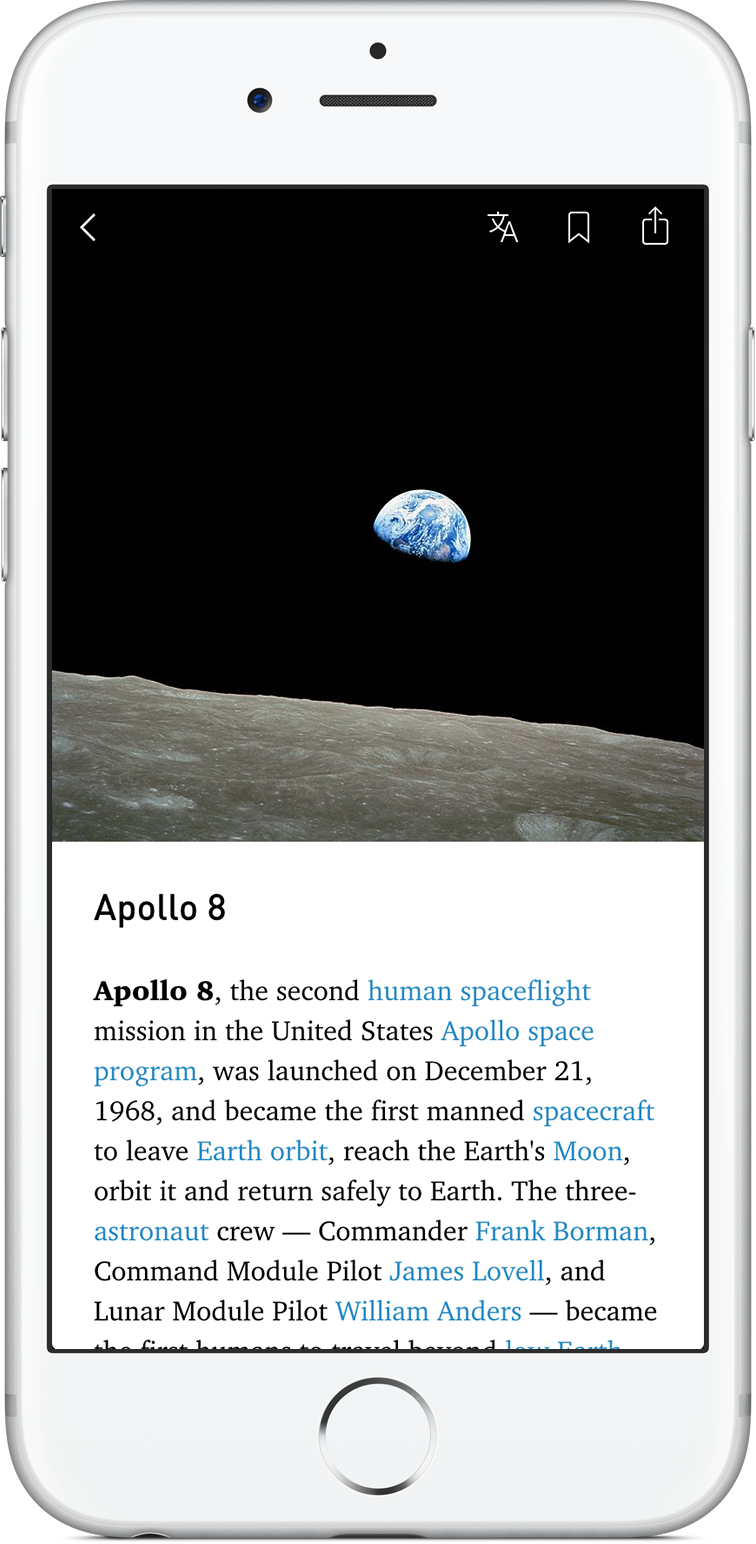
The reader gave photographs and typography more space, with a choice of fonts and text sizes. An Apple Watch companion put nearby places on your wrist, with a picture, distance, and short description.
Taking the app outside
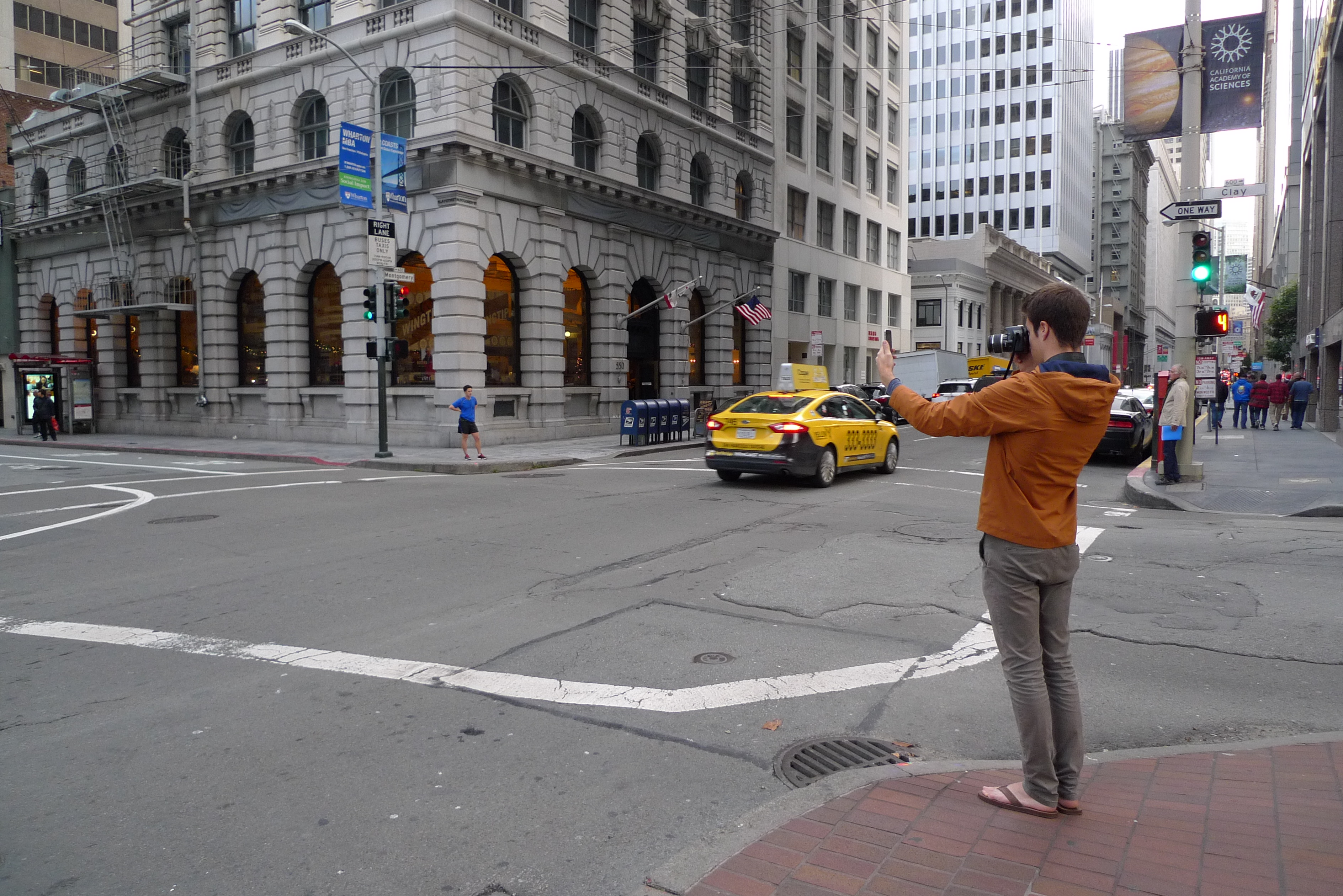
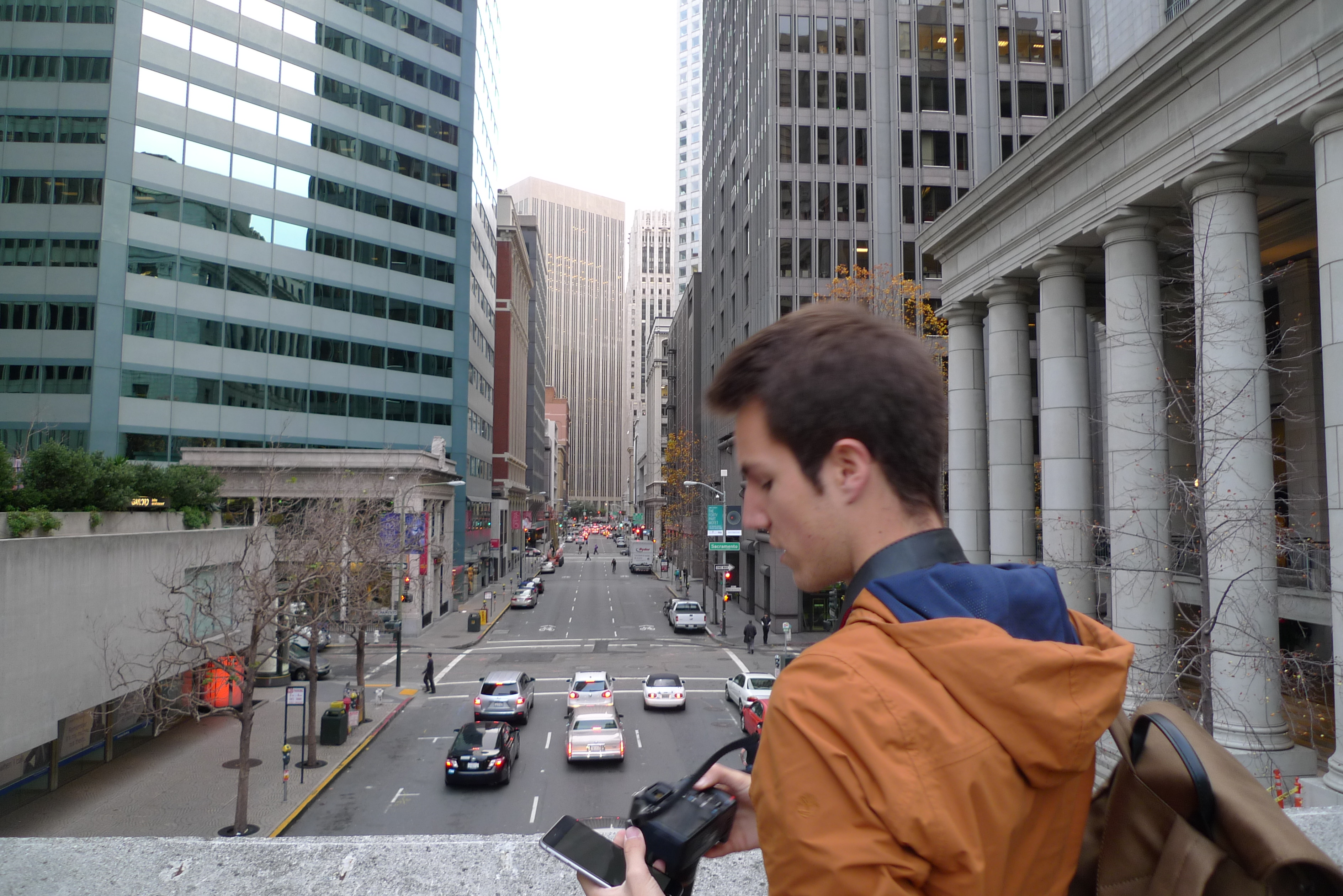
The launch also meant making our own product photos. On December 12, four days after the app went live, we were out in San Francisco with an iPhone and a camera. These photos show the other side of the familiar phone-in-hand product shot: holding the phone at arm's length, finding a background, and checking the result between takes.
The first reviews
The first coverage appeared under the Curiosity name. On December 15, Mel at appgefahren wrote about using it to explore an unfamiliar city, including its German interface and Apple Watch support. The next day, Proto.io included it in its December selection of ten app interfaces, pointing to the reading design.
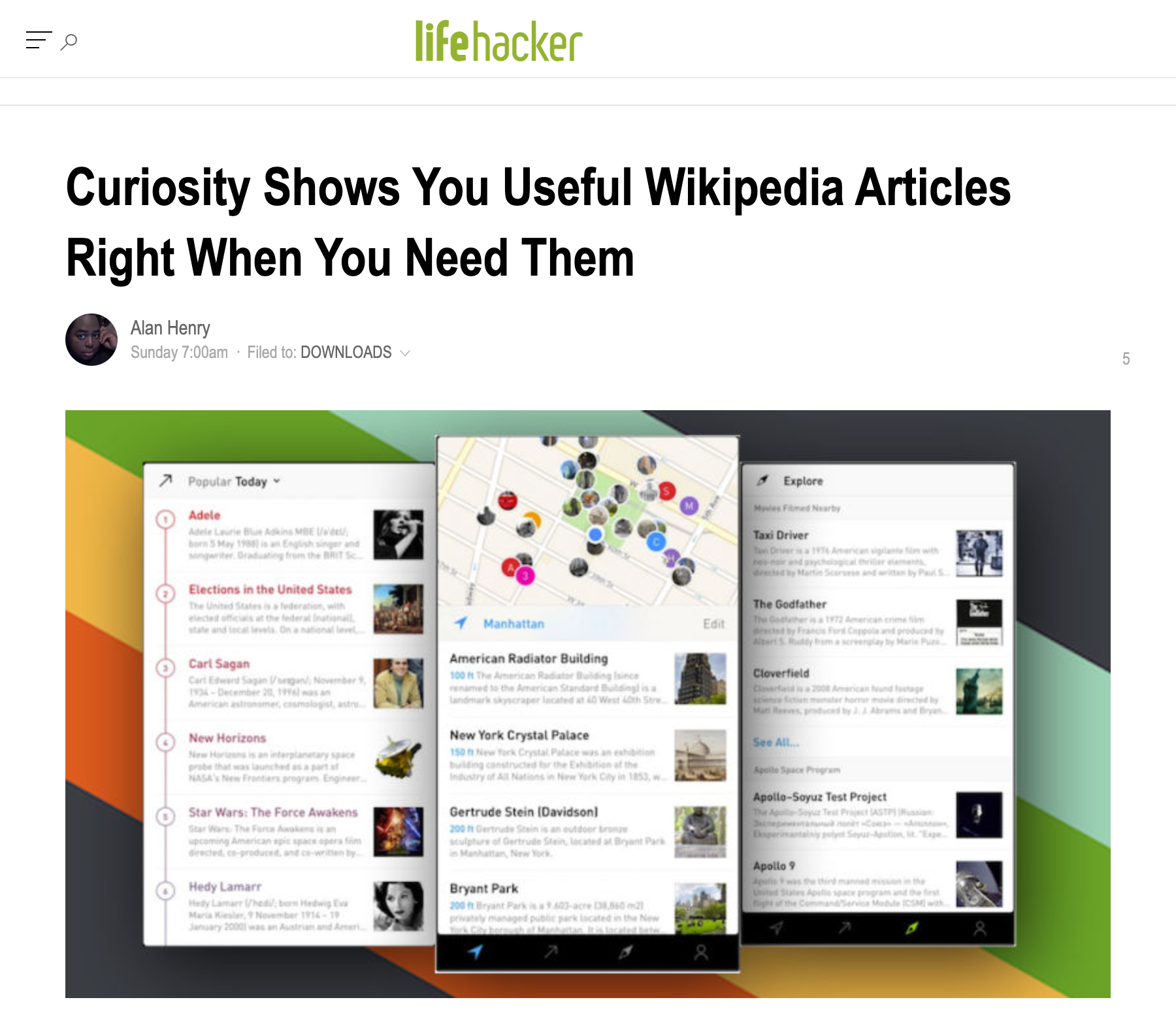
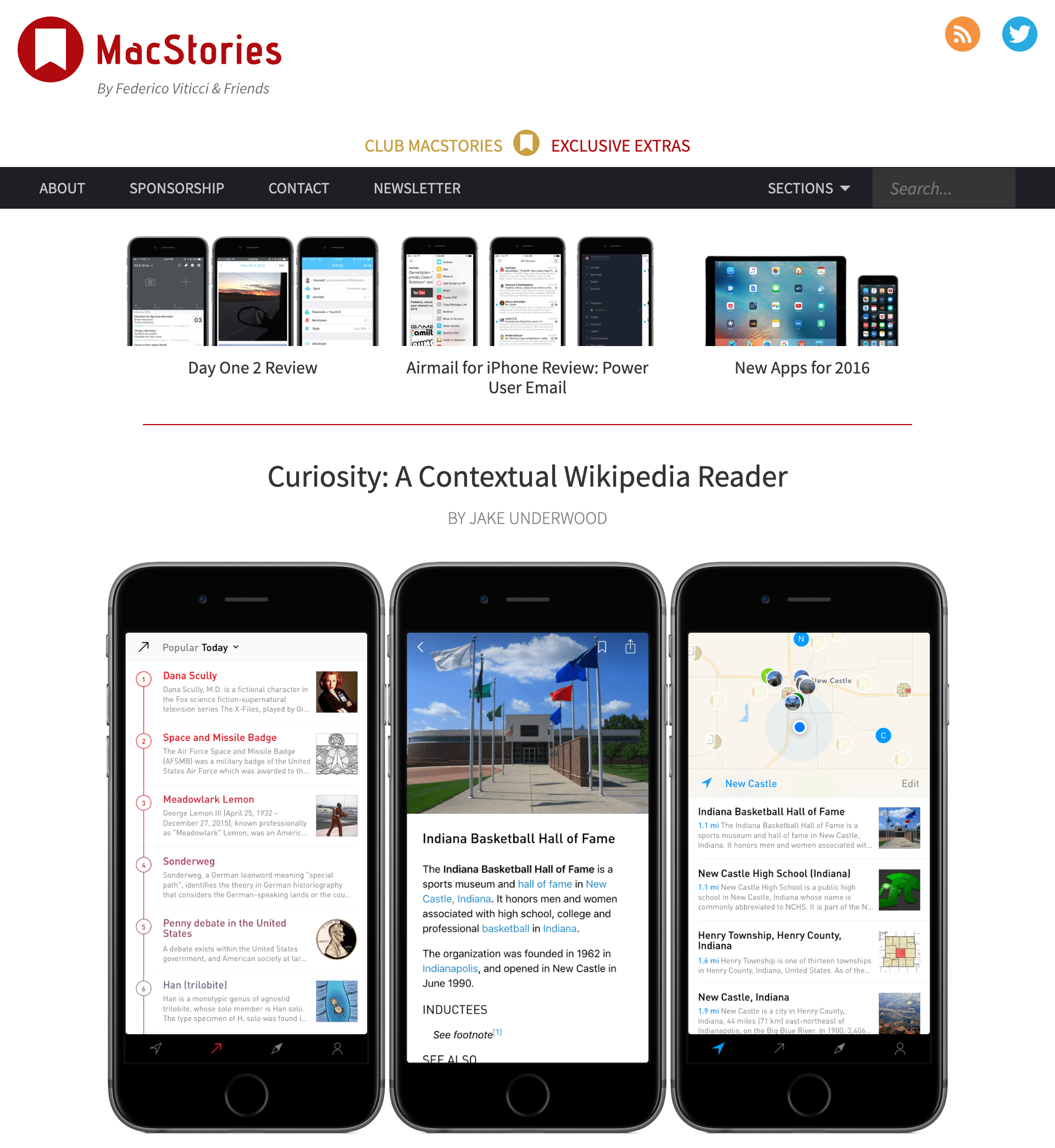
On December 27, Alan Henry at Lifehacker recommended it for finding the stories behind nearby places and getting background on current events. Jake Underwood's December 30 MacStories review took a closer look at each part of the app. He liked the combination of location and curation, but wanted bookmark search, more control over the Explore collections, and an iPad version.
The coverage continued in January. Benjamin Kuijten at iCulture covered the Dutch reading experience and Watch companion on January 4. Preshit Deorukhkar at Beautiful Pixels reviewed the app on January 20, praising its presentation and adjustable typography.
Becoming Inquire
A month after launch, we had to change the name. On January 5, 2016, Apple forwarded a trademark complaint from Beacon Solutions, the company behind Curiosity.com and the Daily Curiosity app. Curiosity.com had grown out of Discovery Communications' learning site. The company was advertising its app and was concerned that people searching for Curiosity in the App Store would find ours instead.
I hadn't known about Curiosity.com when I chose our name. Chris and I were a two-person team, and we agreed to find a new name so we could resolve the dispute and keep working on the app. Apple approved the update, and Inquire by Tamper was live by January 22. The other company confirmed the change, and Apple subsequently closed the matter.
The name change appears in the screenshots and coverage from January 2016.
Featured by Apple
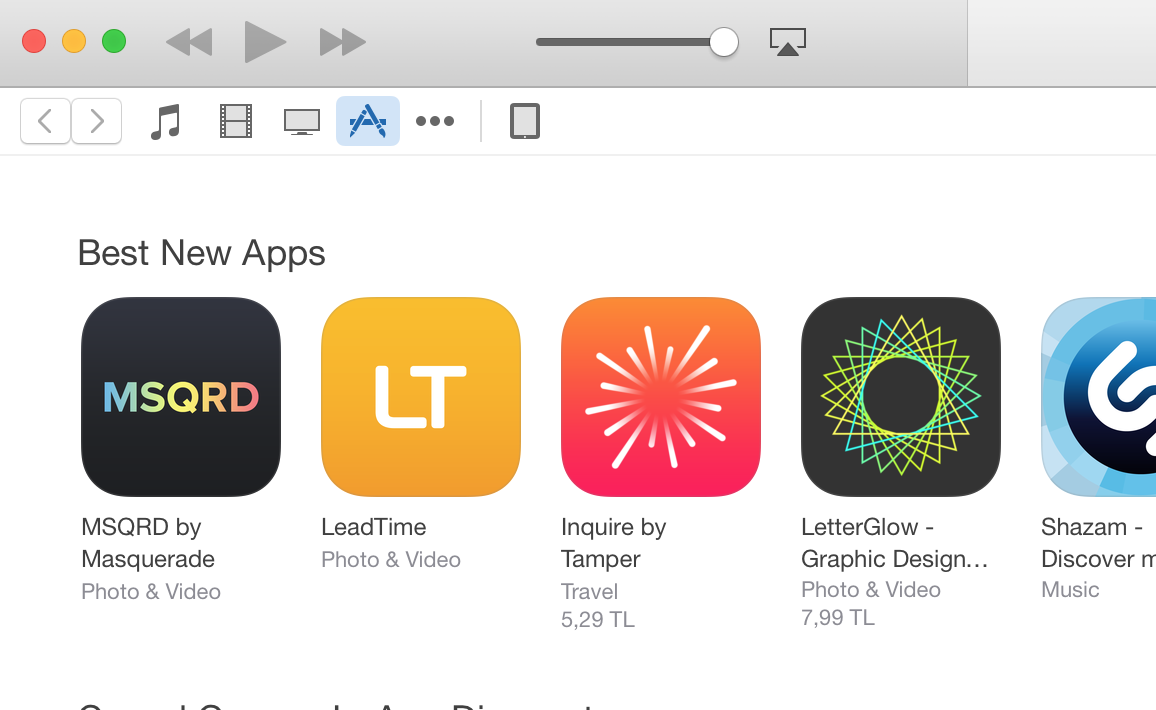
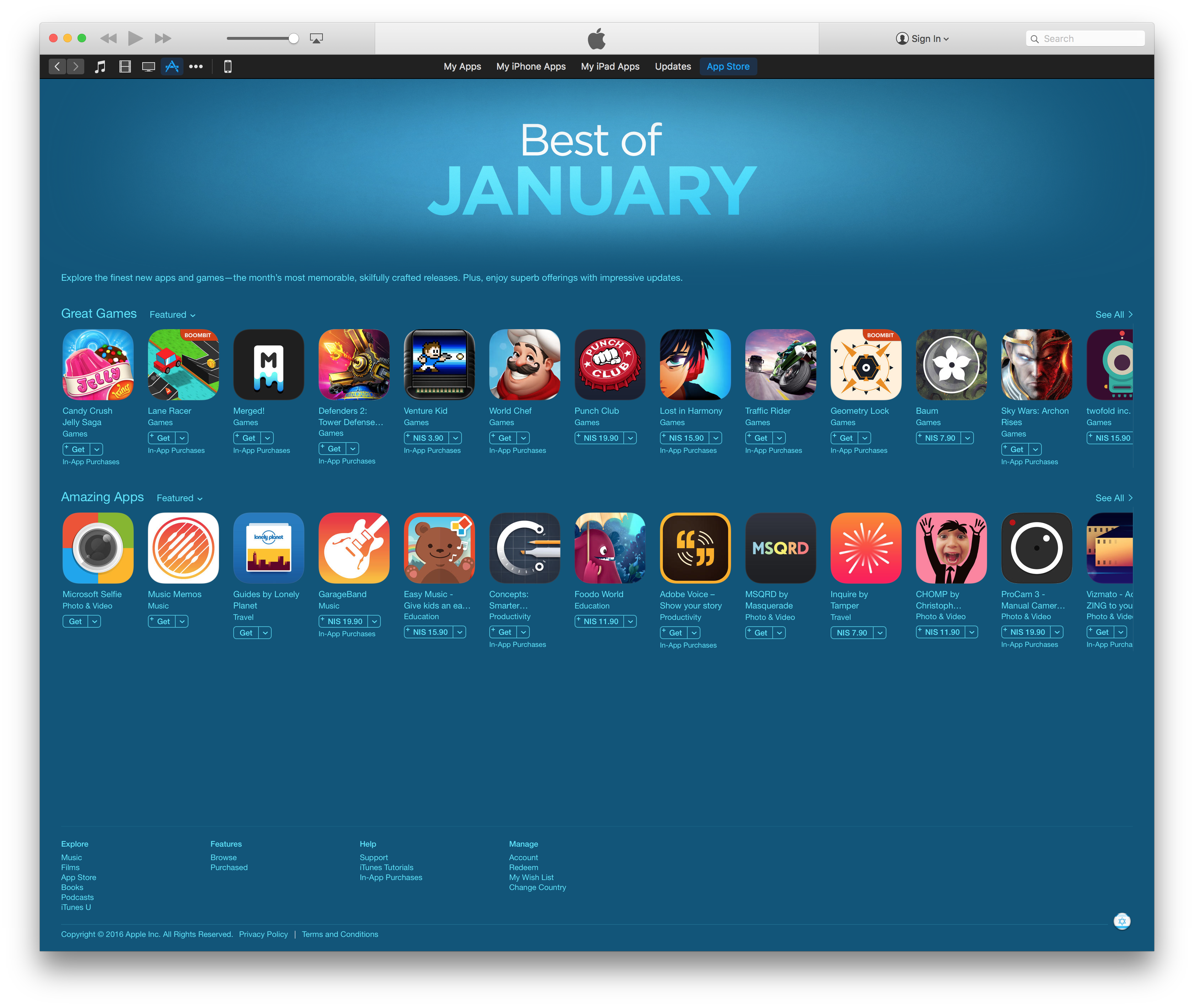
Within a week of the rename, Inquire was appearing in the App Store's Best New Apps selections. The January 28 screenshots show it alongside other new releases in several storefronts. Apple also included it in its Best of January 2016 collection.
The name on the store had changed, but the orange-and-pink icon remained. It is visible here in both the Best New Apps row and the month's Amazing Apps selection.
Curiosity in Mac|Life
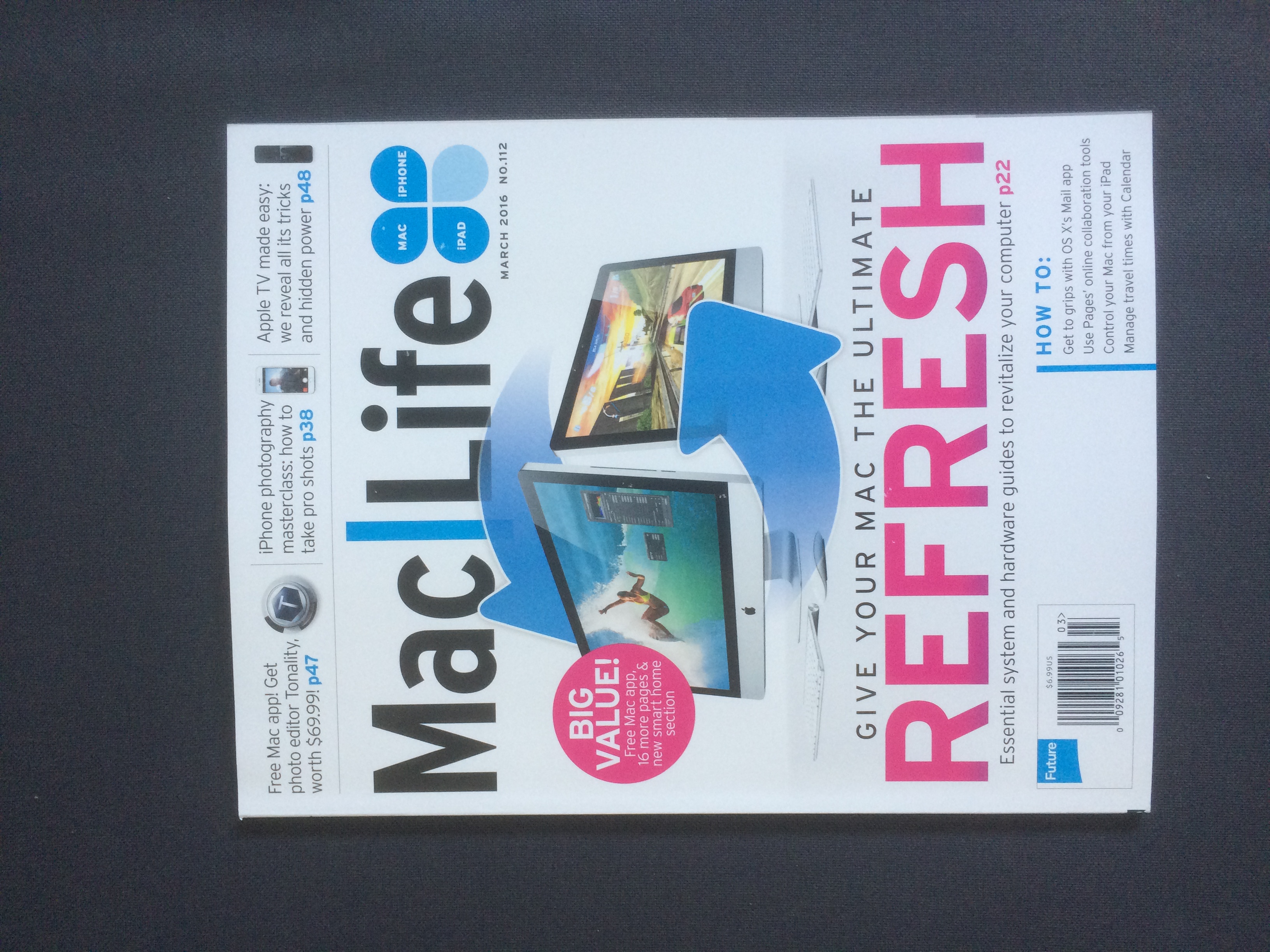
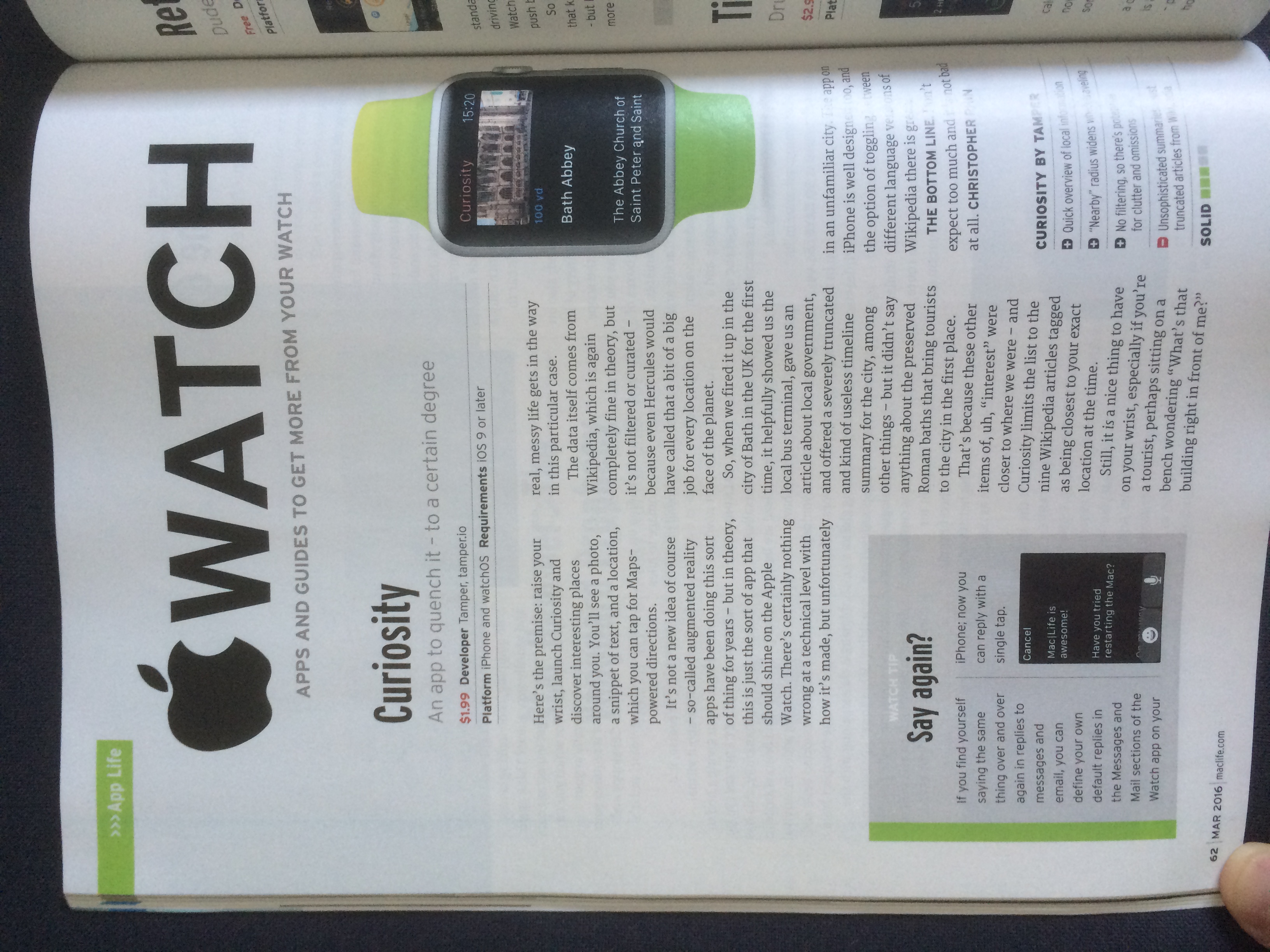
Mac|Life reviewed the Apple Watch app in its March 2016 issue, still using the Curiosity name. The review appears on page 62 of issue 112. It described discovering nearby Wikipedia entries from your wrist, with photos, short excerpts, and directions.
The reviewer liked the iPhone design and quick access to local information, but pointed out the limits of a list ordered by proximity. In Bath, less useful entries could appear ahead of the Roman baths, and the Watch's summaries were sometimes too short.
In Fast Company
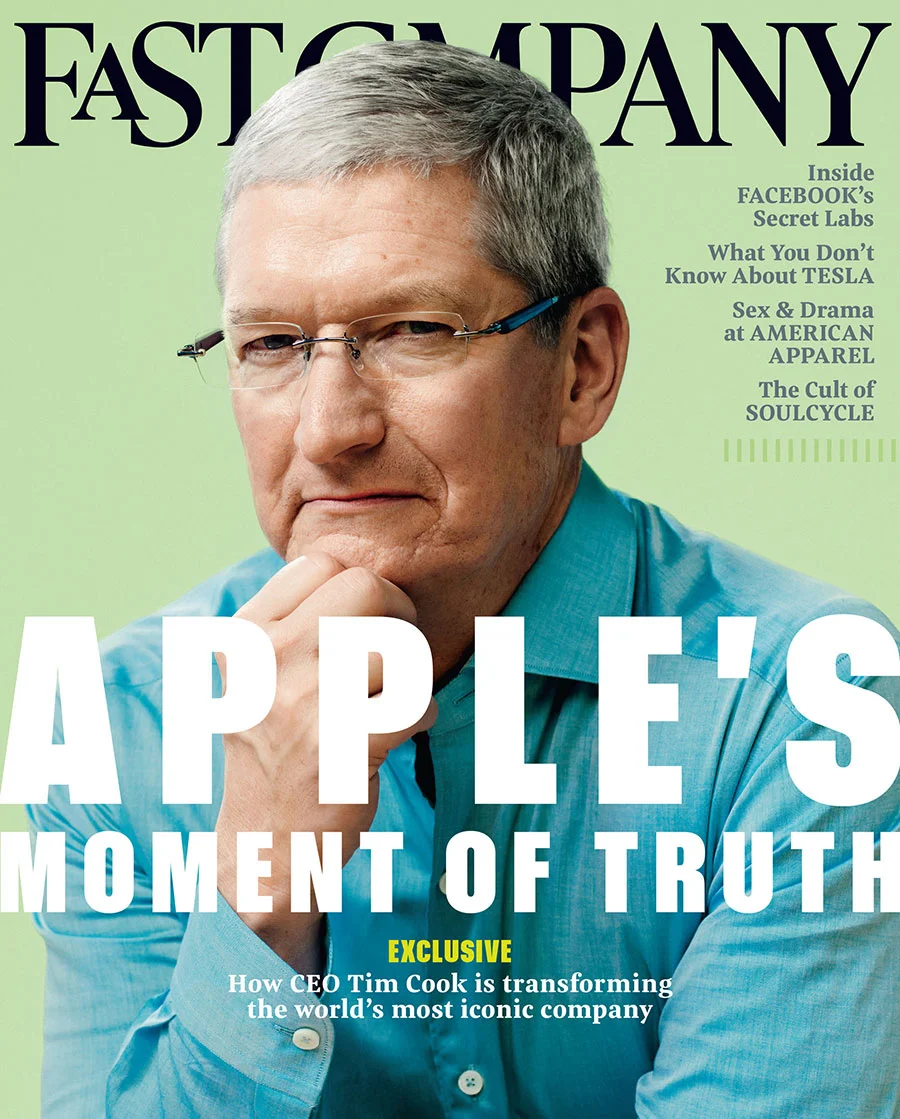
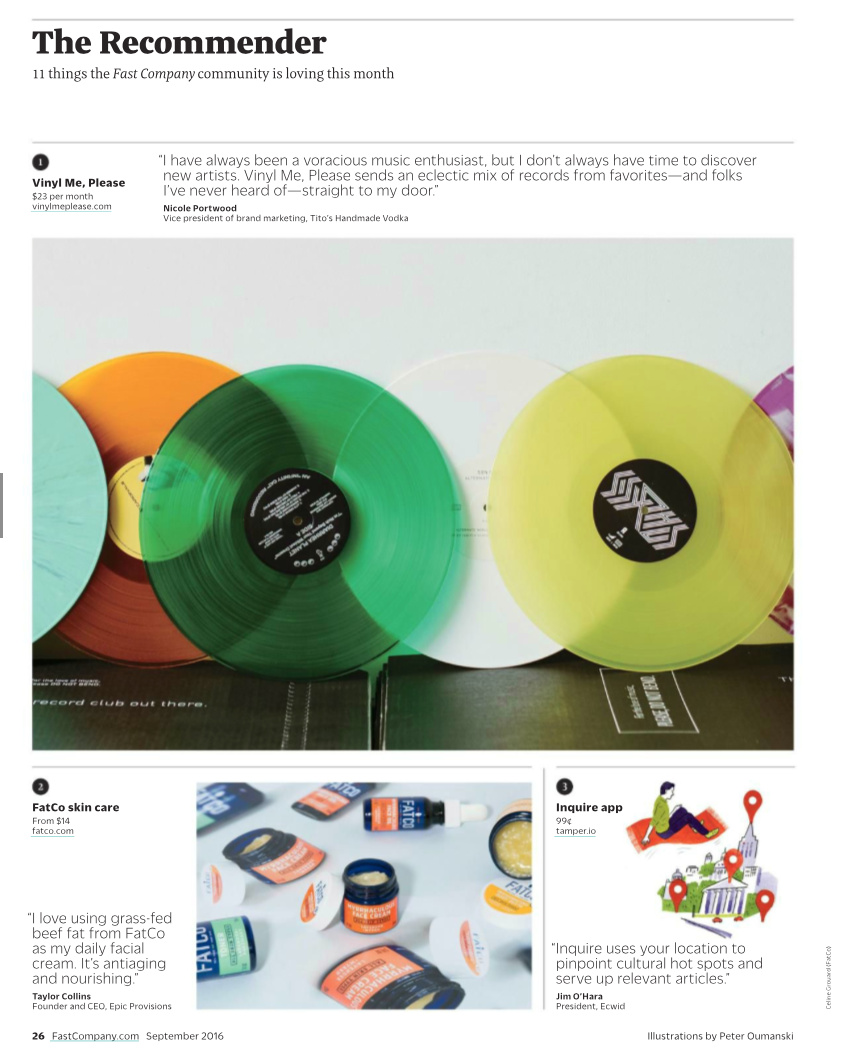
Fast Company included Inquire in The Recommender in its September 2016 issue, No. 208, with Tim Cook on the cover. The column collected eleven recommendations from the magazine's community, with Inquire appearing on page 26.
Jim O'Hara, president of Ecwid, recommended it: "Inquire uses your location to pinpoint cultural hot spots and serve up relevant articles." The entry paired the app with an illustration by Peter Oumanski.
App of the Day
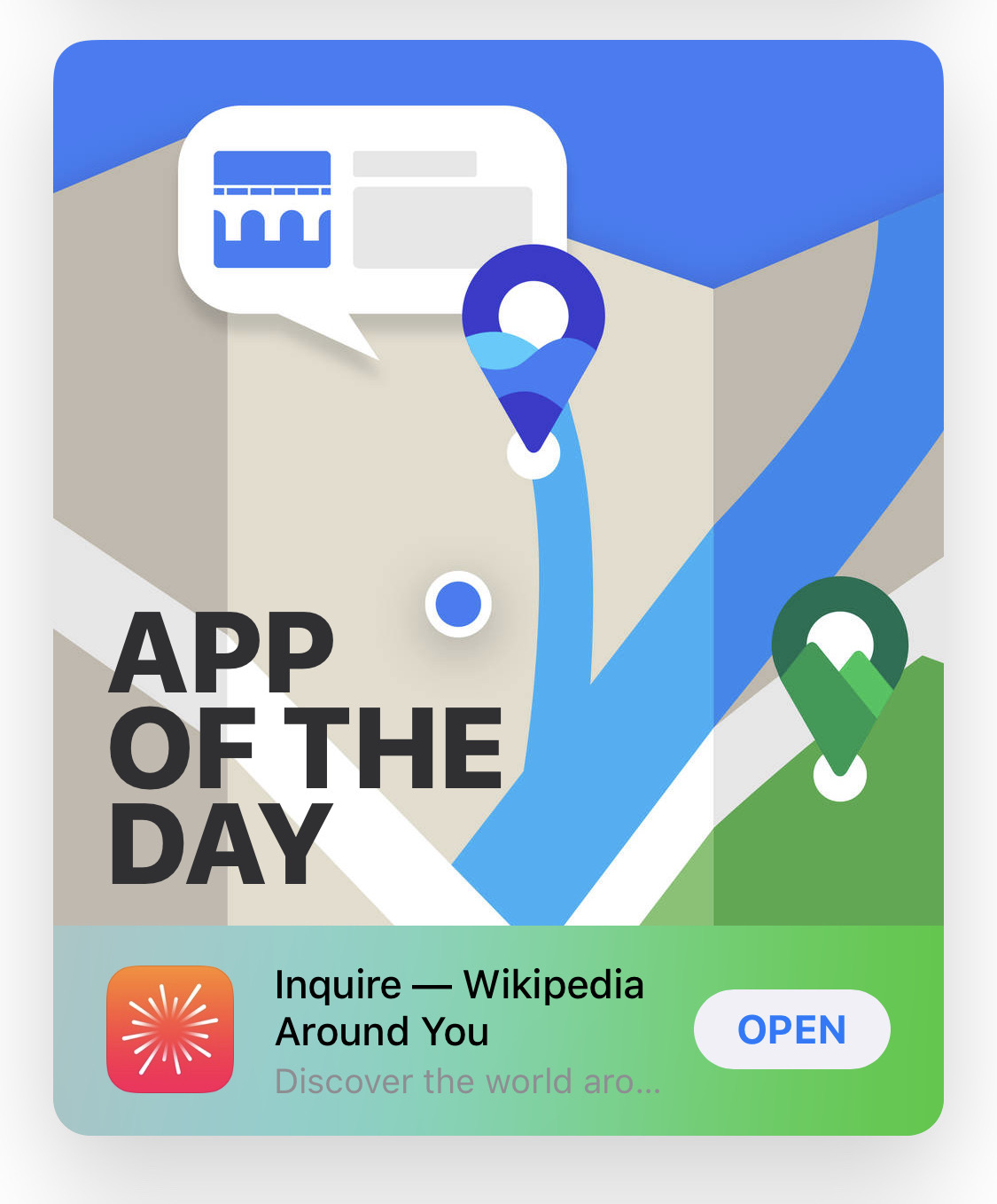
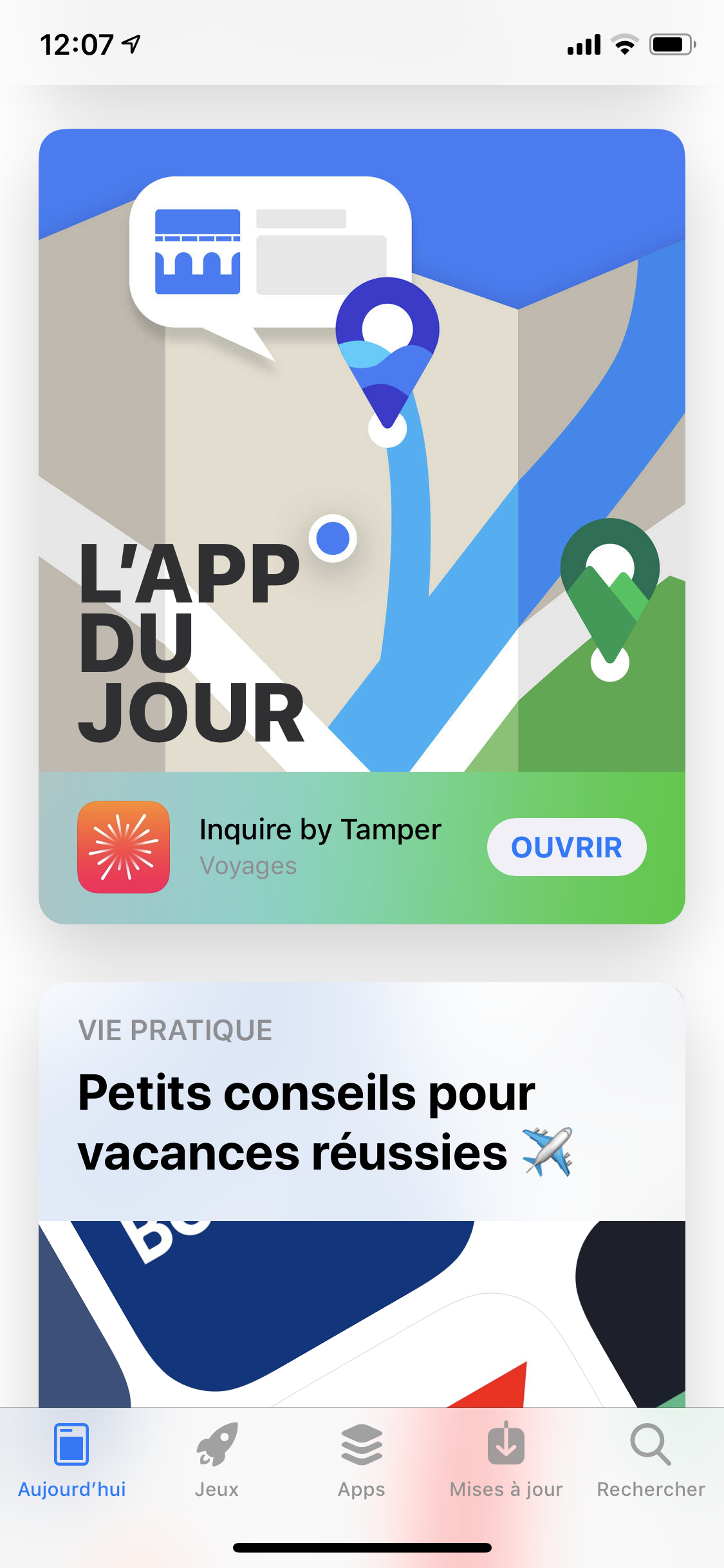
Apple later selected Inquire as App of the Day multiple times. These U.S. and French App Store cards show the app presented around an illustrated map, with location pins and nearby landmarks. The idea was still the one we started with: opening Wikipedia through the world around you.