Darkroom
Darkroom is an Apple Design Award-winning photo and video editor for iPhone, iPad, and Mac.
Joining Darkroom
I joined Darkroom in July 2022, having been a long-time user of the app. I was very excited to get to work on an app that I use very regularly because photography is one of my passions.
I've worked on many aspects of Darkroom, mainly implementing the user interface and new features.
Liquid Glass
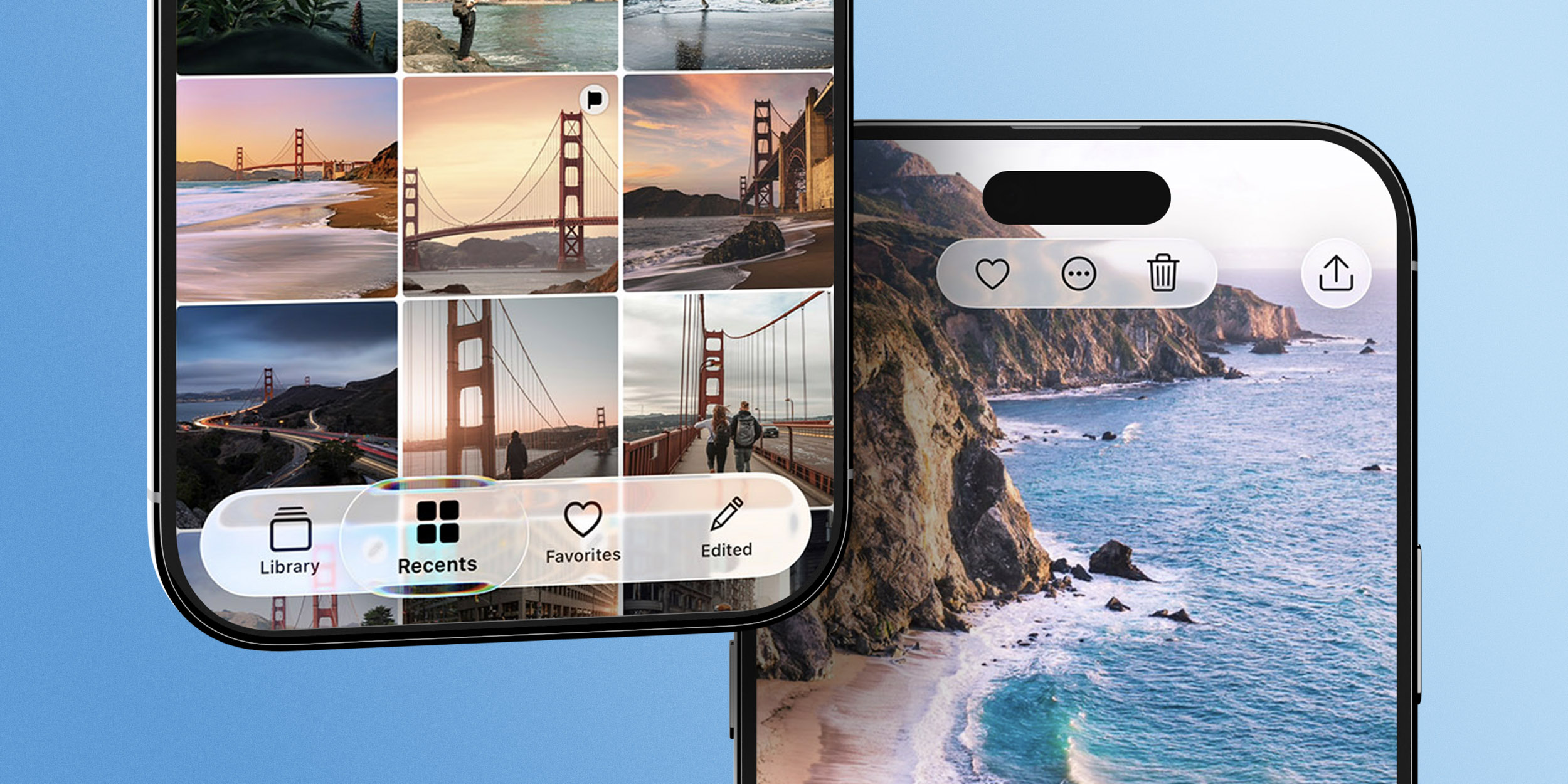
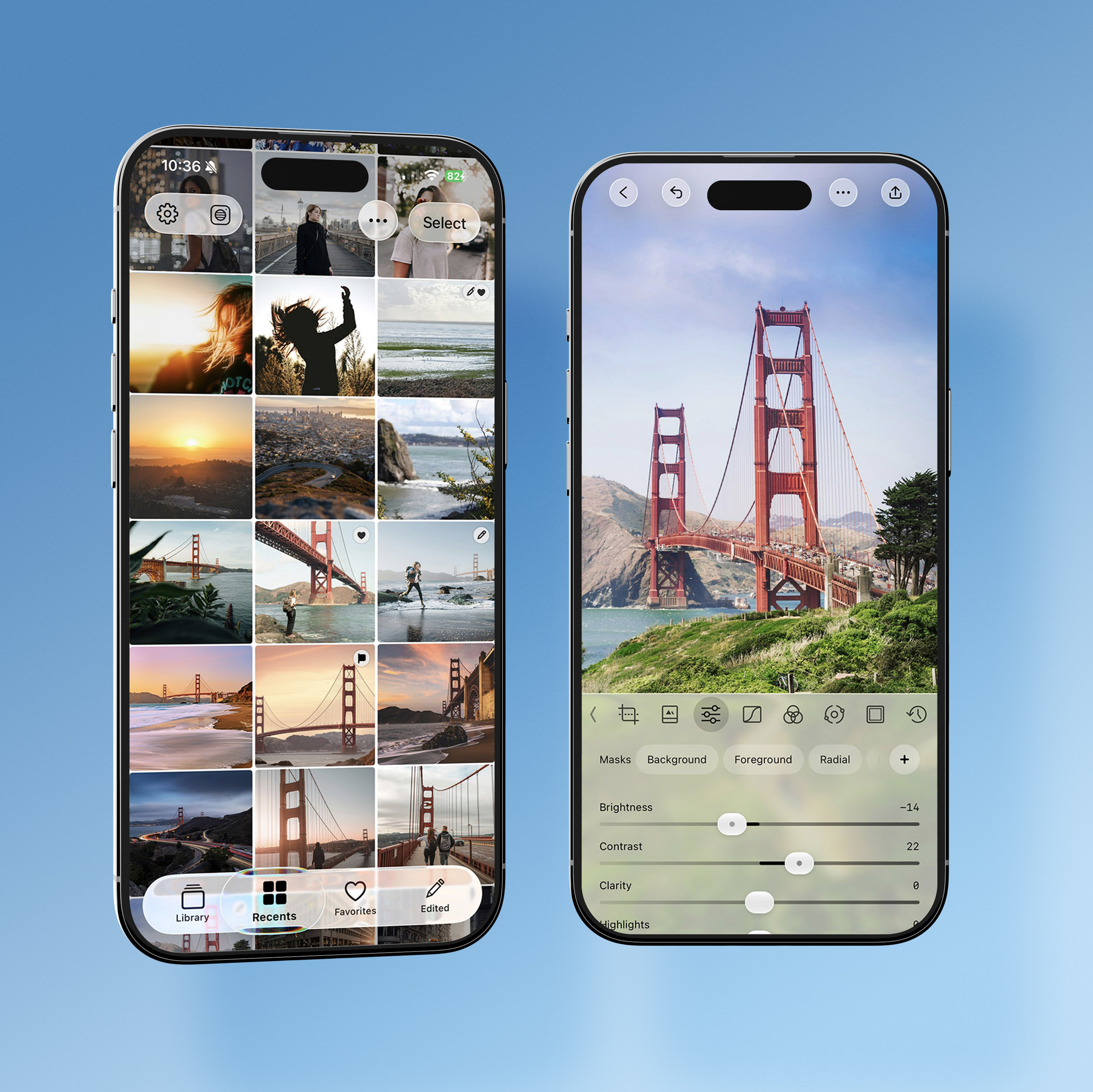
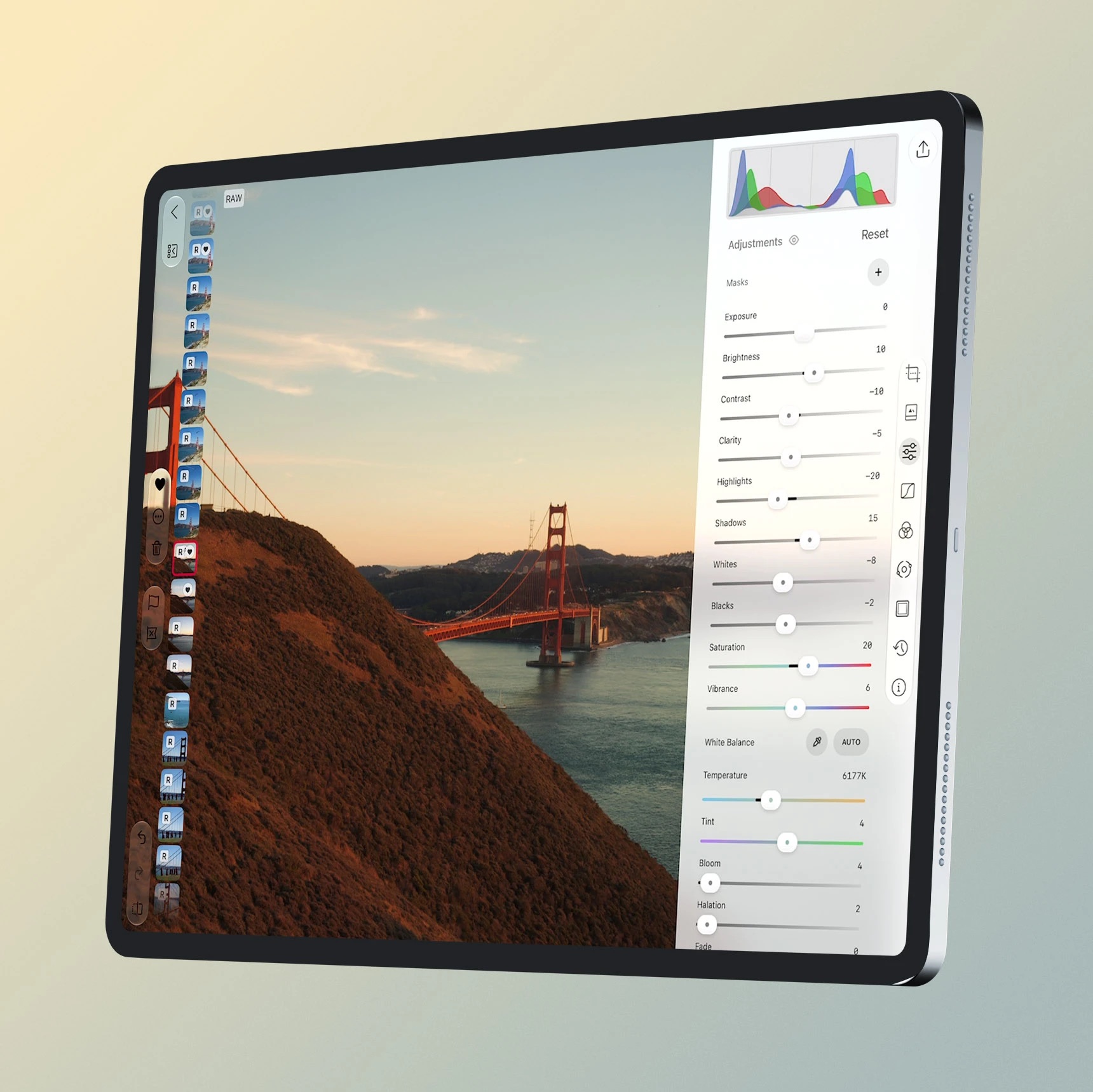
In summer 2026, I worked on the Liquid Glass redesign, first for iPhone. My work included the new library tabs, pinching to change the size of the photo grid, and floating editing controls that leave more room for the photo.
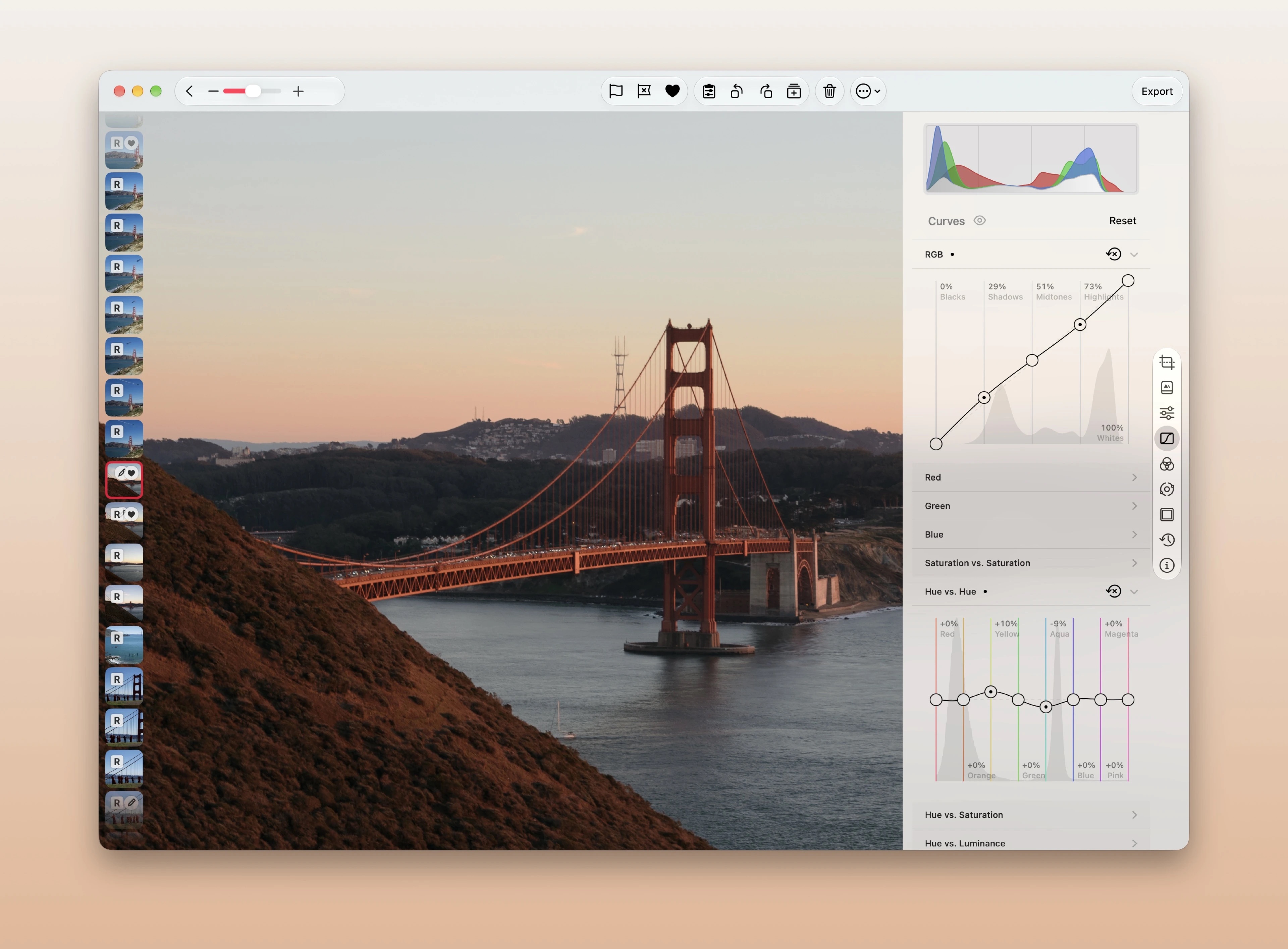
I then brought the Liquid Glass redesign to both iPad and macOS in Darkroom 7.4. That meant adapting the toolbars and editing controls to different window sizes, sidebars, and keyboard and pointer interaction.
Magic Select
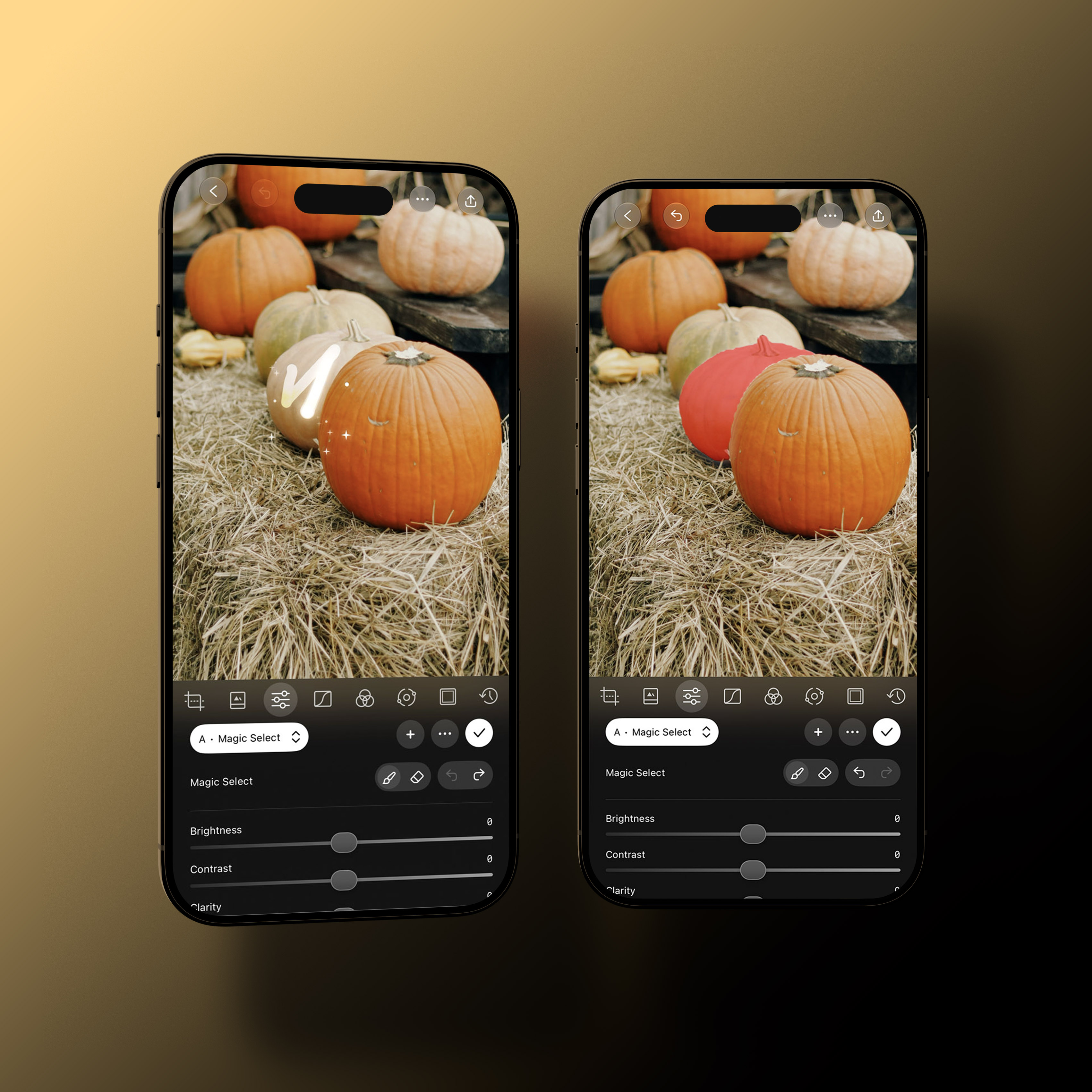
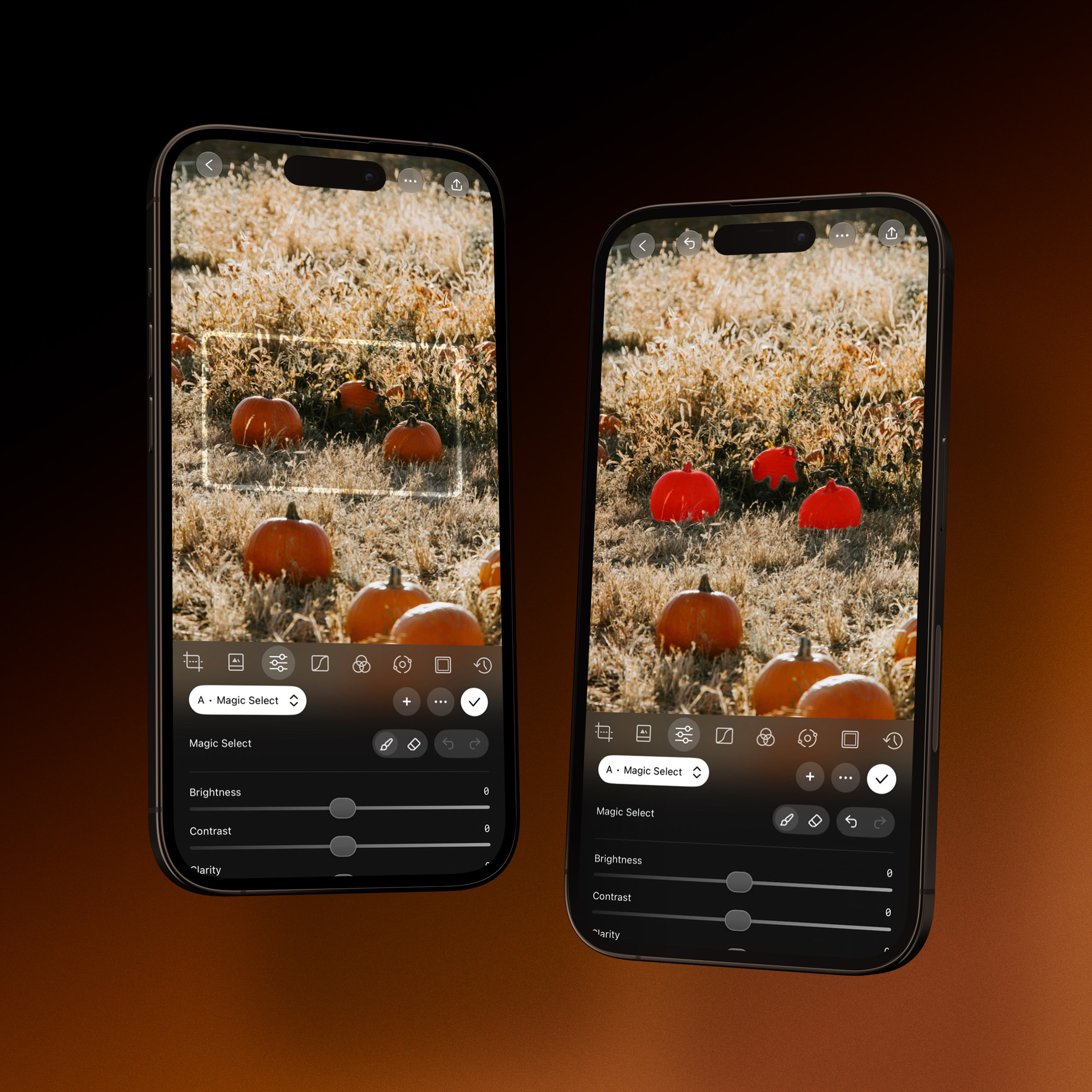
The last project I worked on was Magic Select, which we released in October 2026. It lets you tap an object, draw across it, or drag a box around a group of objects, then adjust just that part of the photo.
I worked on the selection interactions on iPhone, iPad, and Mac, along with saving masks, undo and redo, and the visual feedback as you make a selection. It uses Apple's segmentation model to do the selection on the device.
Darkroom at WWDC24
I also added other features, such as improving our intent support and Siri support. Apple featured us at WWDC24 and their September iPhone announcement.
Metadata viewing and editing
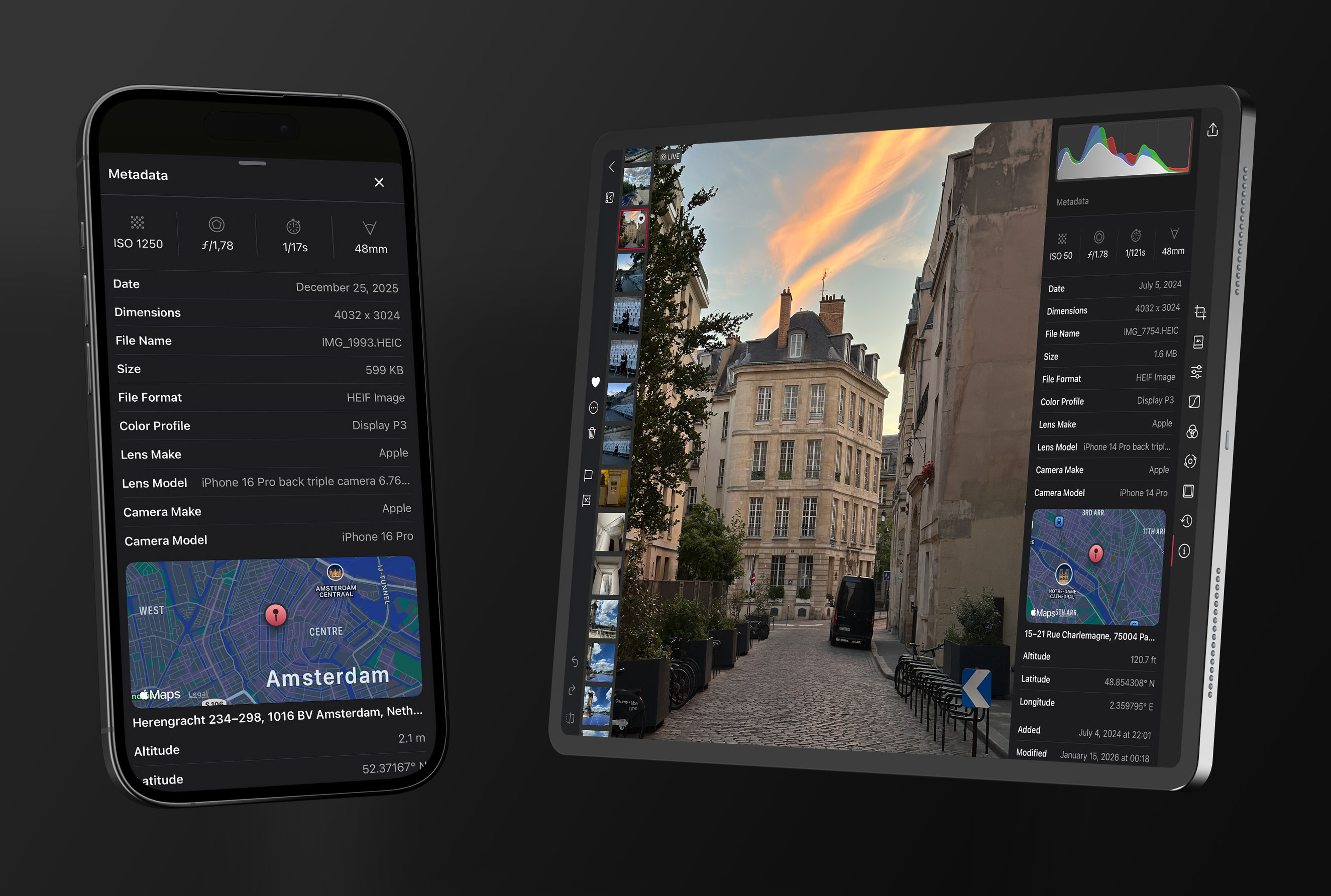
In 2026, I rebuilt our metadata viewer and then added metadata editing. The viewer shows a summary of the camera and exposure settings, with expandable sections for the rest. It loads the information already available on the device first, then fills in more detail as it arrives.
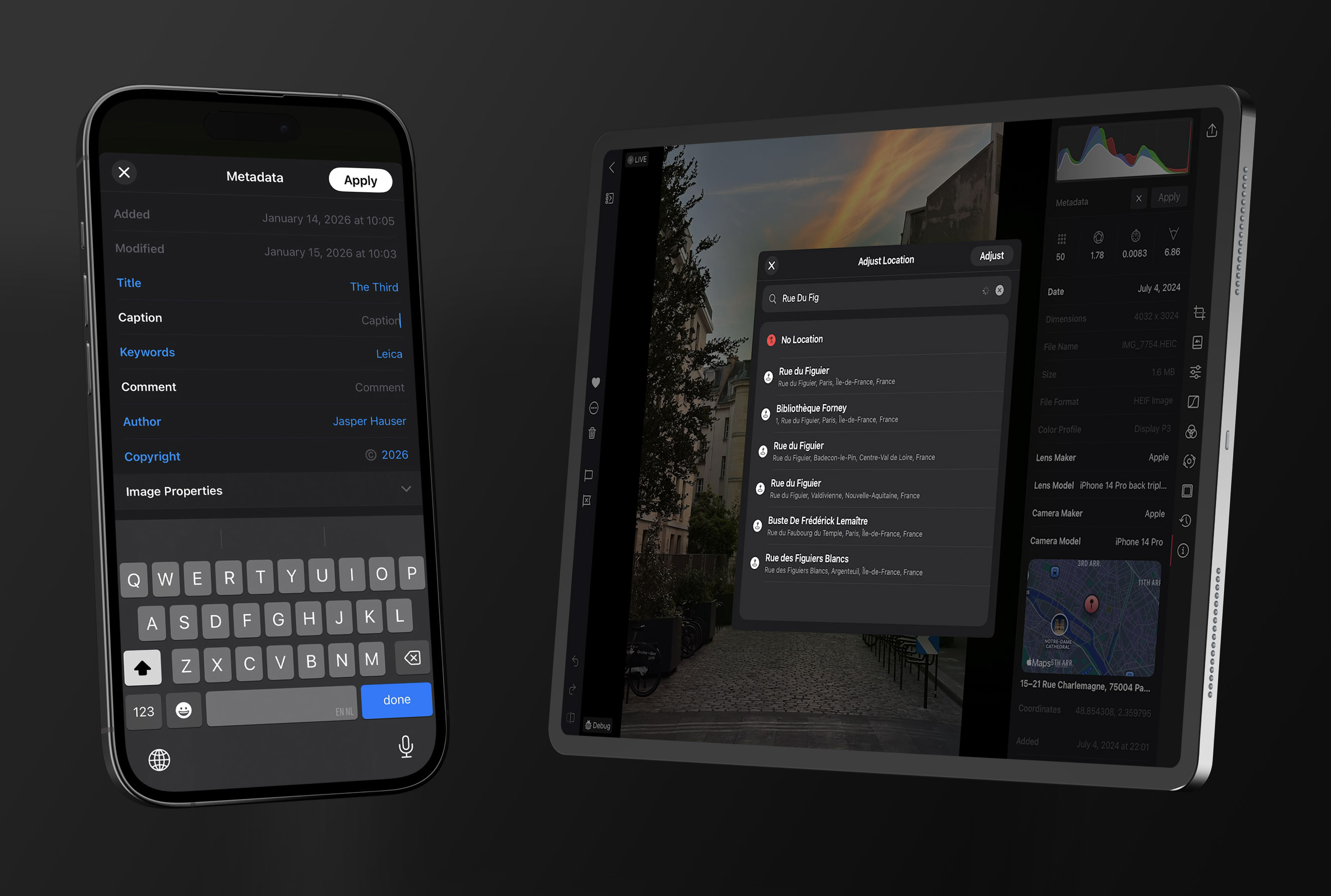
The editor lets you correct dates and locations, add missing camera and lens information, and edit fields such as titles and keywords. I worked on the interface and saving those changes across different image formats while preserving existing photo adjustments. Adding missing camera and lens details is particularly useful for scanned film, which often arrives without that information.
Darkroom 7
For Darkroom 7, I worked on connecting the editing interface to the team's new rendering engine. This included crop and transform controls, interacting with masks on the photo, and exporting still images, Live Photos, and video.
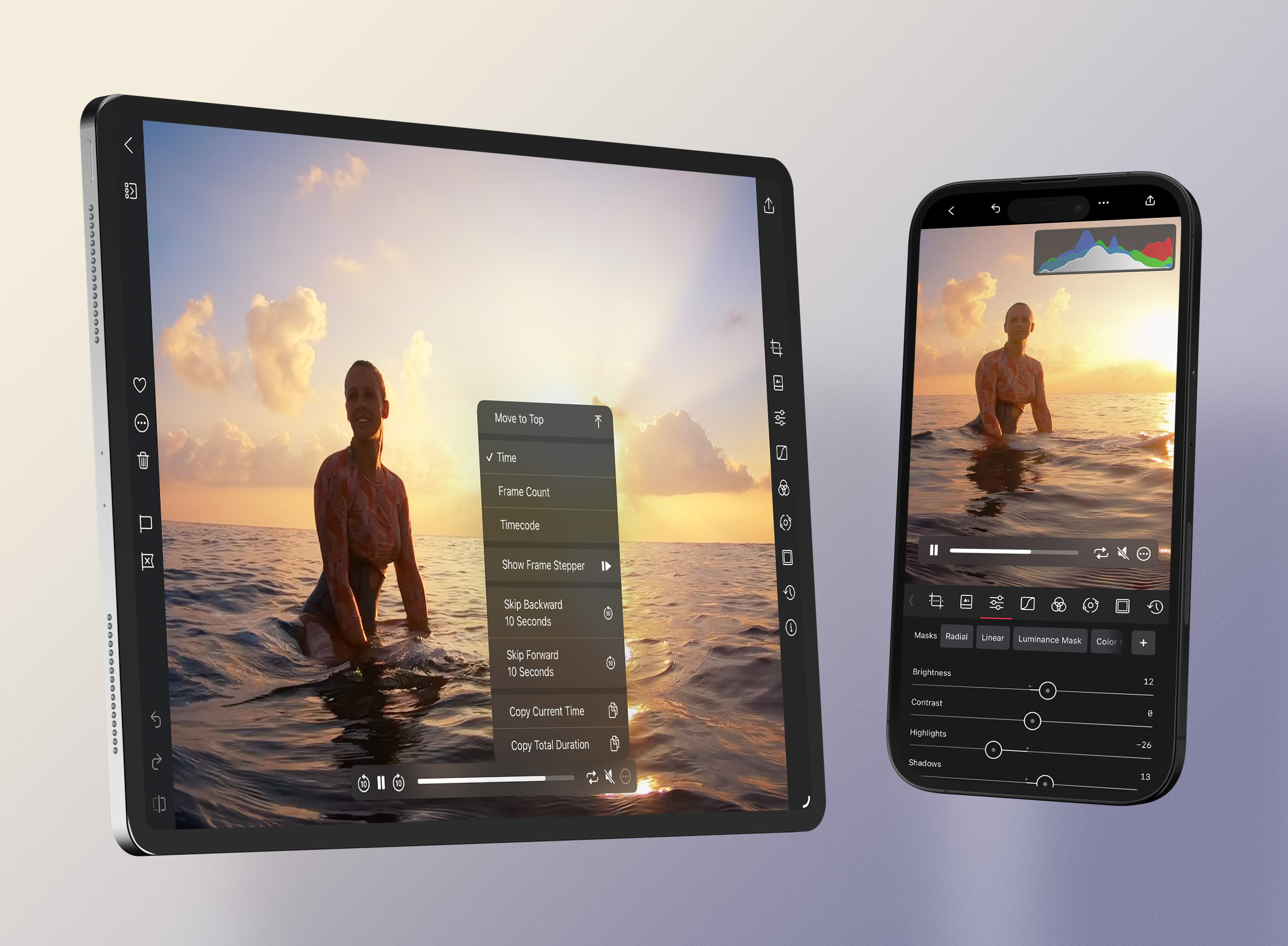
I also built video controls that you can drag and flick around the image, so they can sit out of the way of what you're editing. I added frame-by-frame navigation, timecodes, and keyboard controls for moving through a clip precisely. Another part of this work was switching between the RAW and JPEG versions of a photo and keeping the preview and export in step.
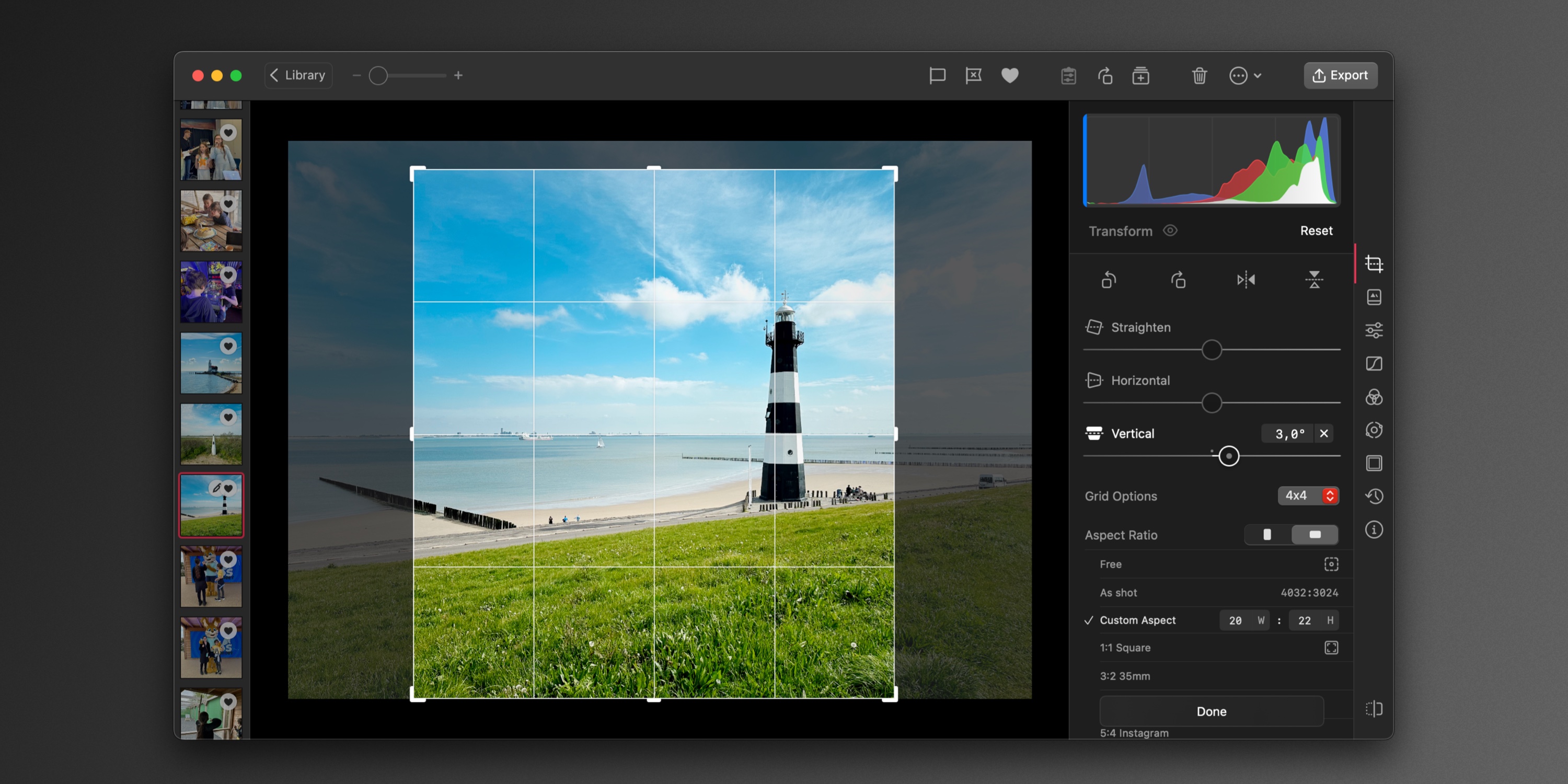
Mac Transform
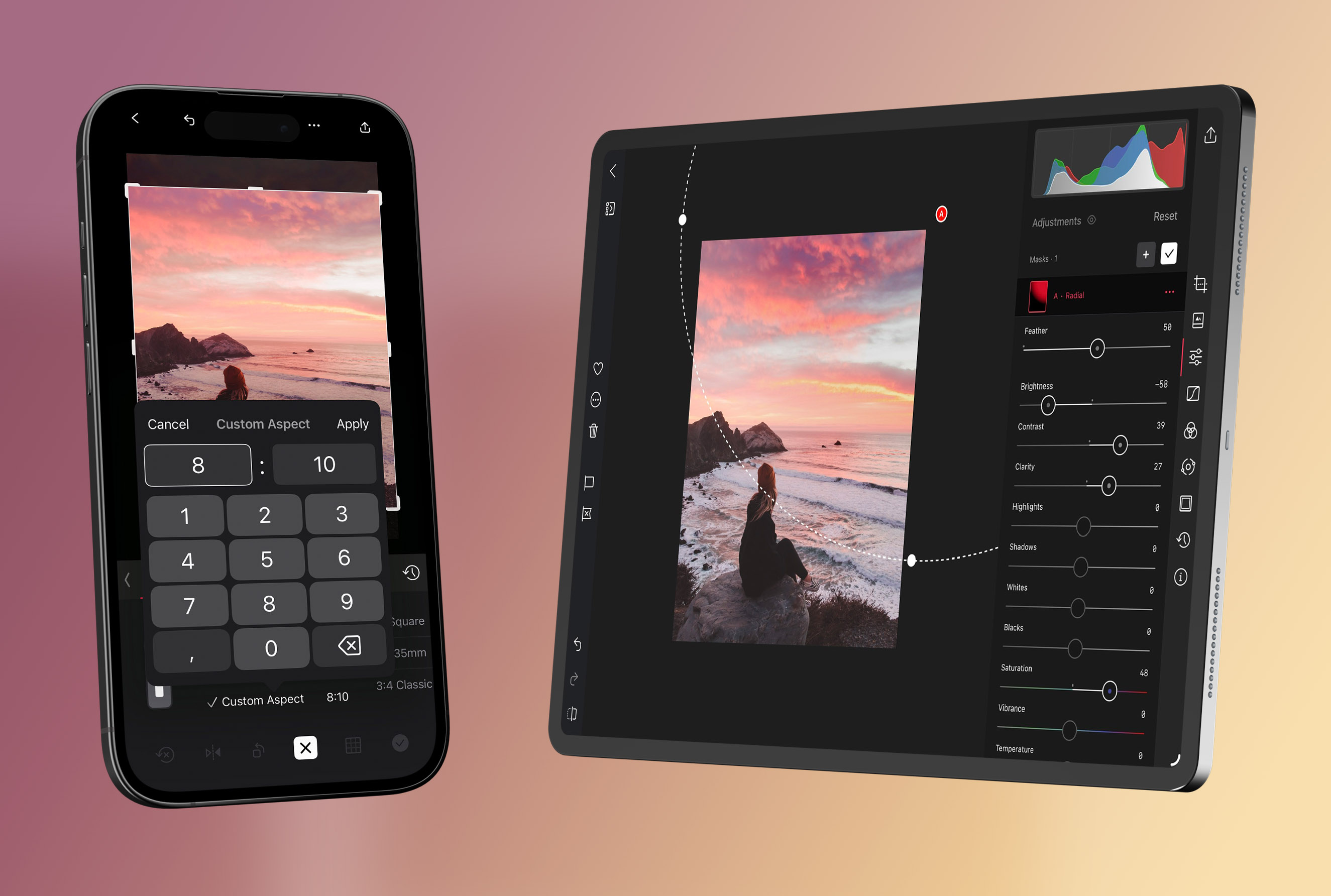
I worked on the Mac Transform tool, including custom aspect ratios, crop grids, and precise numeric controls. I worked through details such as moving between fields with the keyboard and remembering your chosen aspect ratio and grid.
I also had a broader goal to make our Mac Catalyst app feel more at home on the Mac. Alongside Transform, I worked on the toolbars, typography, and keyboard and pointer behavior.
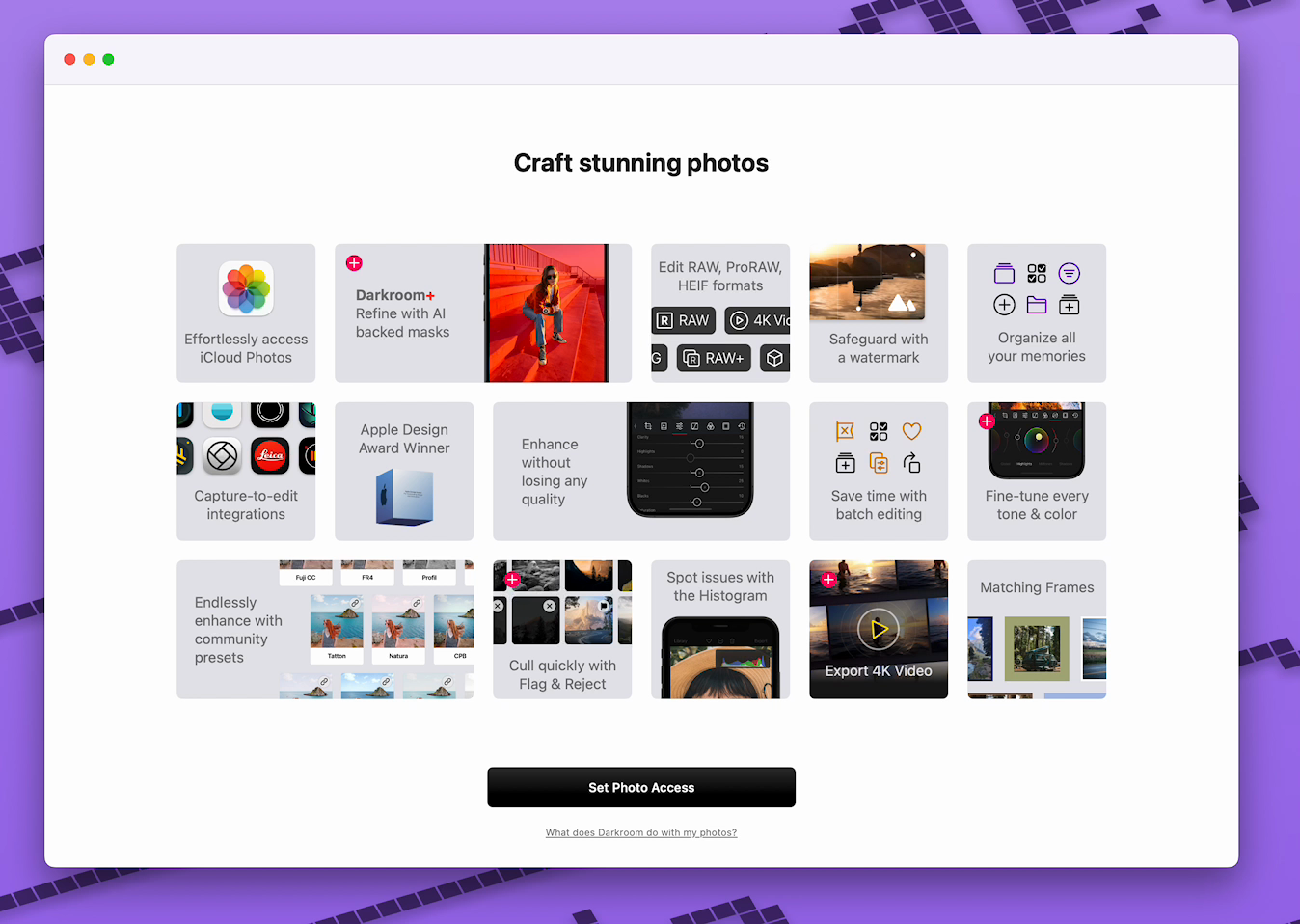
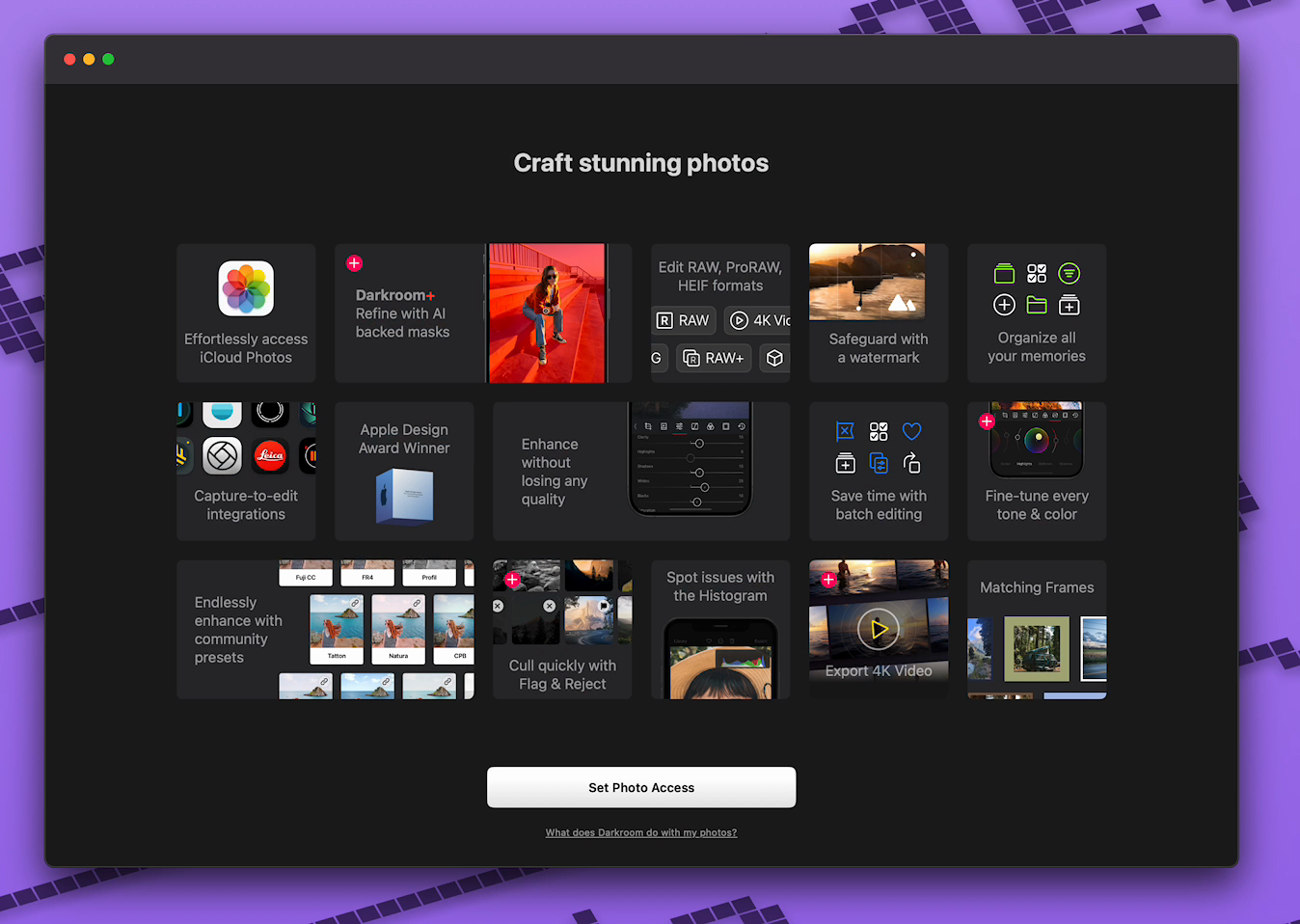
Welcoming new photographers
In 2024, I built our animated welcome screen and photo-access flow. The welcome screen introduces the app with a grid of photos, followed by access to your photo library. I worked on the animation timing and how the layout adapts to different screen sizes and light and dark appearance.
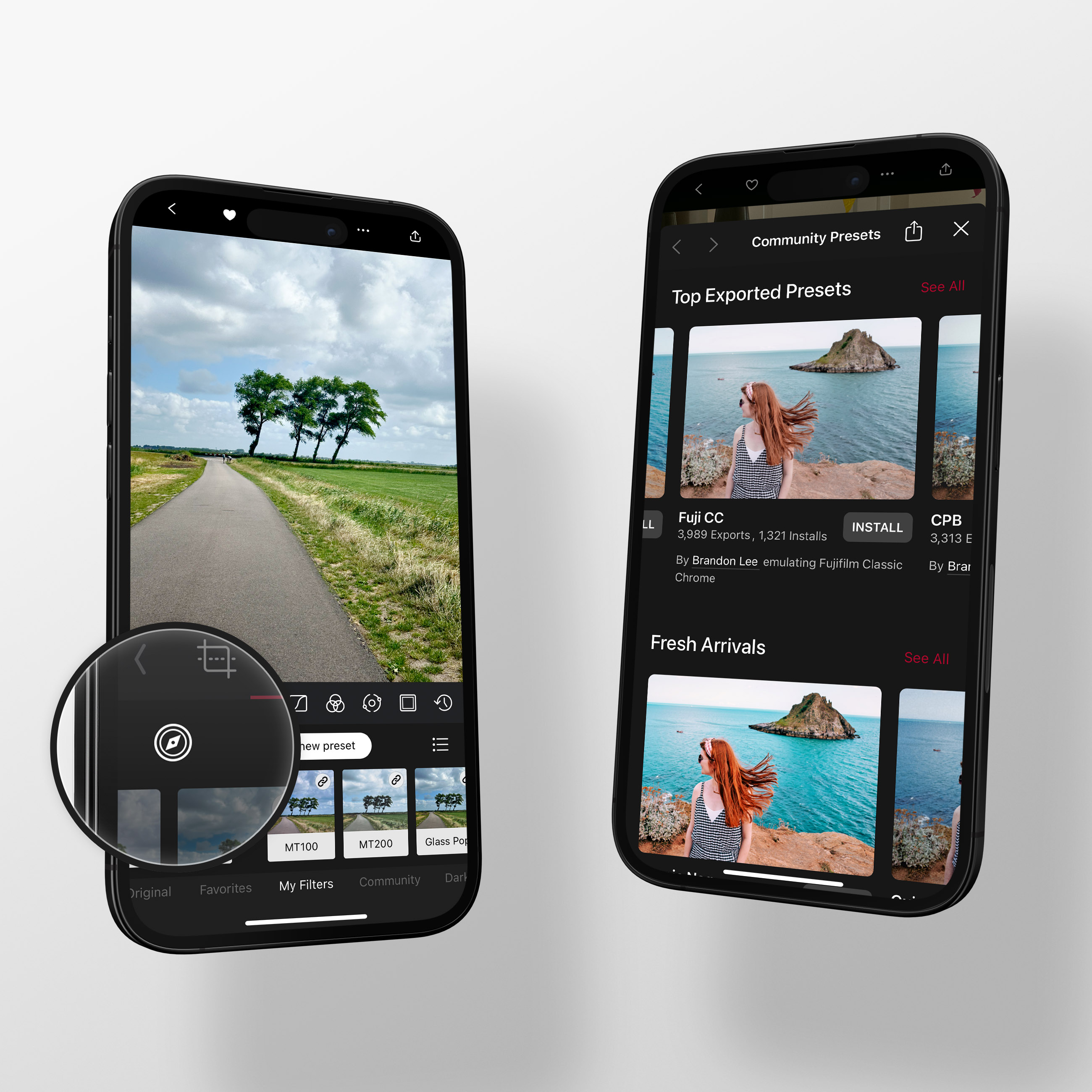
Presets and sync
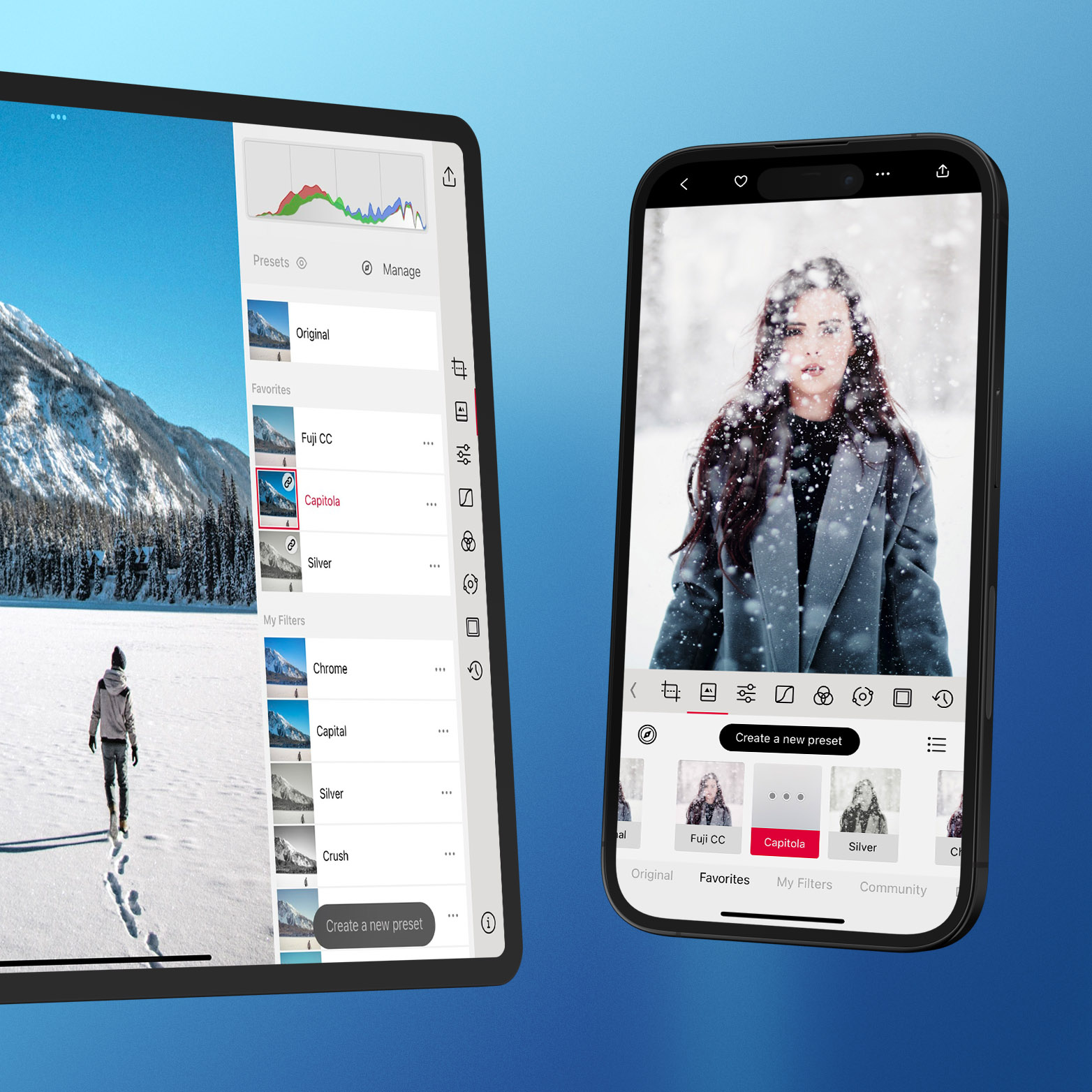
In 2023, I helped build Preset Discovery, where you can browse and install presets shared by other photographers. I also rebuilt much of the Presets interface in SwiftUI, including creating and managing presets, favoriting them, and adjusting their strength.
I worked on our persistence layer and iCloud sync, first for flag and reject states and later for presets. A lot of that work was moving existing data to the new system, preserving people's presets and preferences, and handling changes made on different devices.
Leica and photography
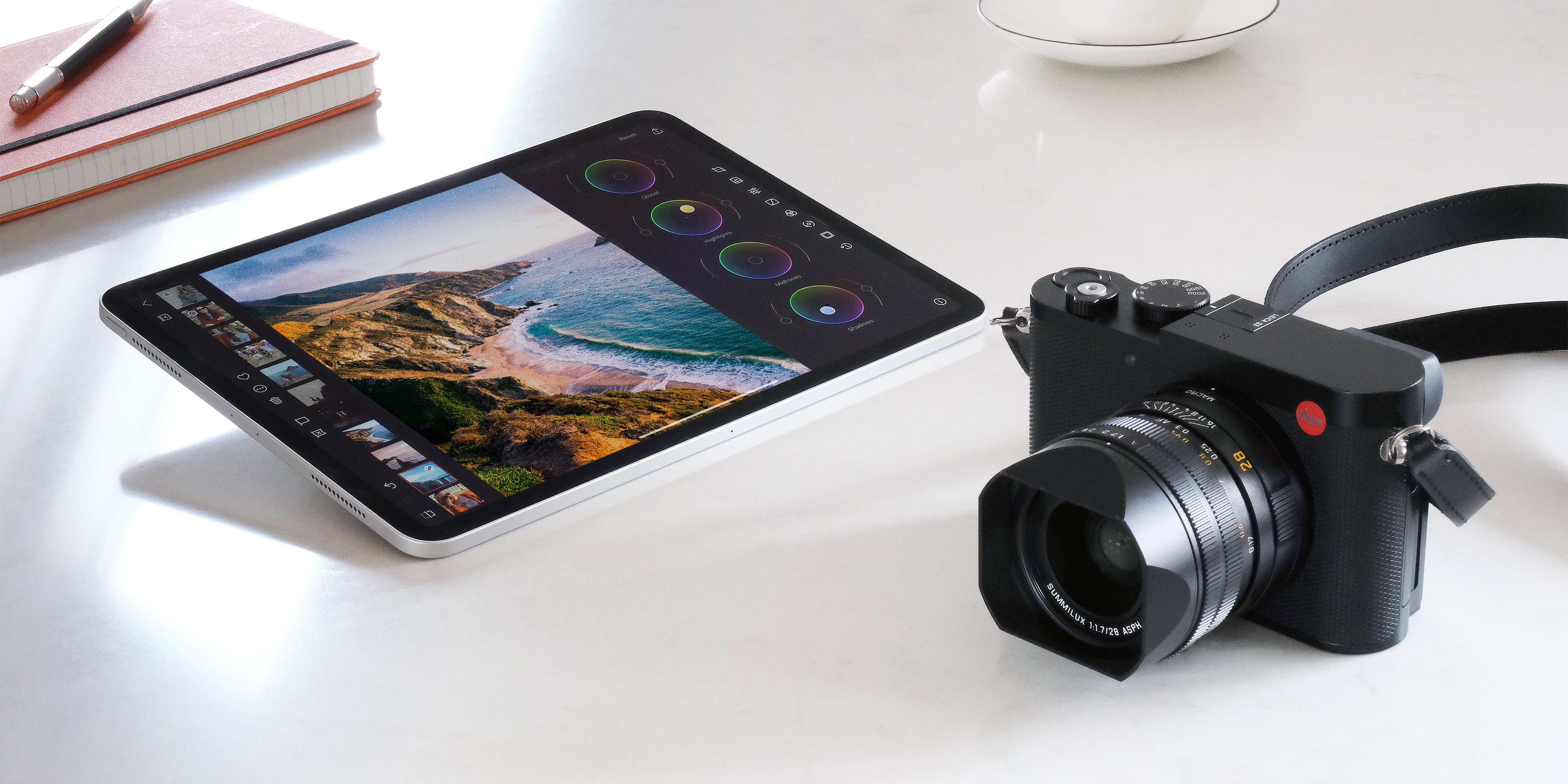
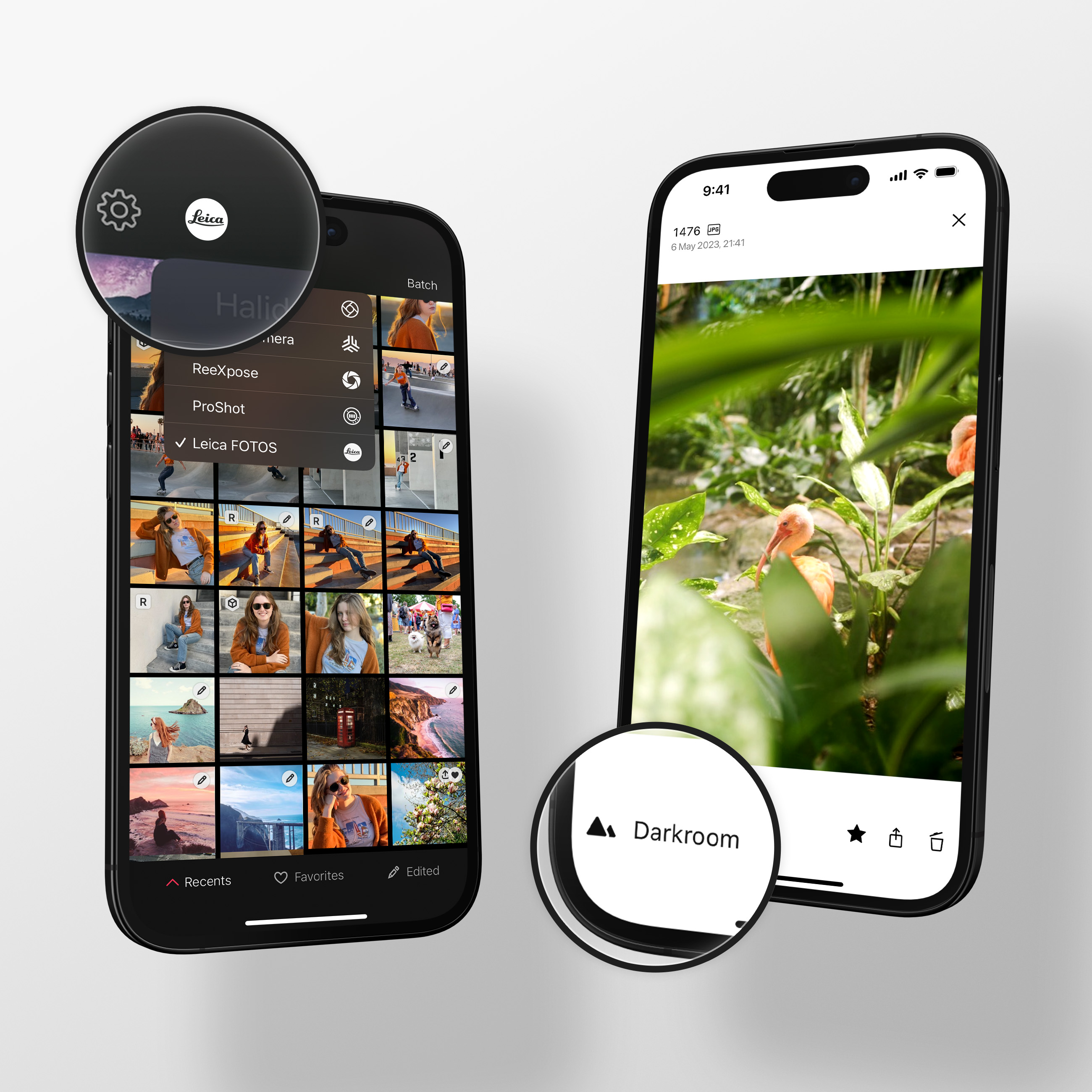
As I said, photography is a big passion of mine, particularly film photography. One of the cameras I shoot with is a Leica M5, and one of my earlier projects in Darkroom was helping add camera app integrations. One of our big integrations was with Leica, which was a fun opportunity.
Early masking experiments
In 2022, I worked on brush prototypes, including controls for size, opacity, and feathering. I also worked on undo and redo, and with the team on Pencil and keyboard interaction.
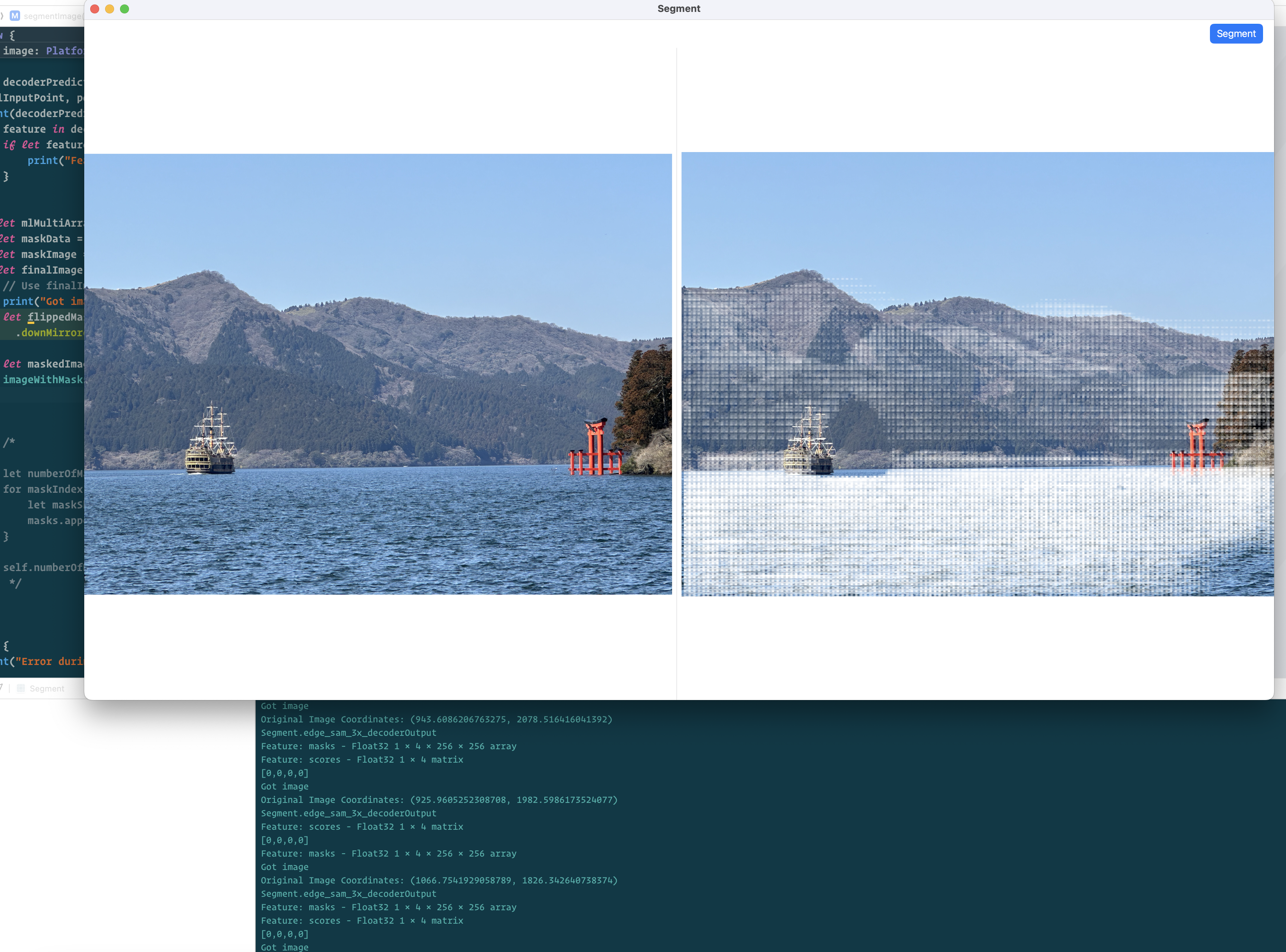
In April 2024, I hooked up a Core ML version of Segment Anything, EdgeSAM, in a sample app. I was working out how to interpret the masks it returned and get the image sizes and coordinates to line up. I compared the output from the Swift app with the PyTorch example notebooks as I worked through it.
Segment Anything prototypes
In November 2024, I experimented with SAM2, converting models to run locally and comparing larger and smaller versions. I looked at the quality of the selections and where they broke down around edges.
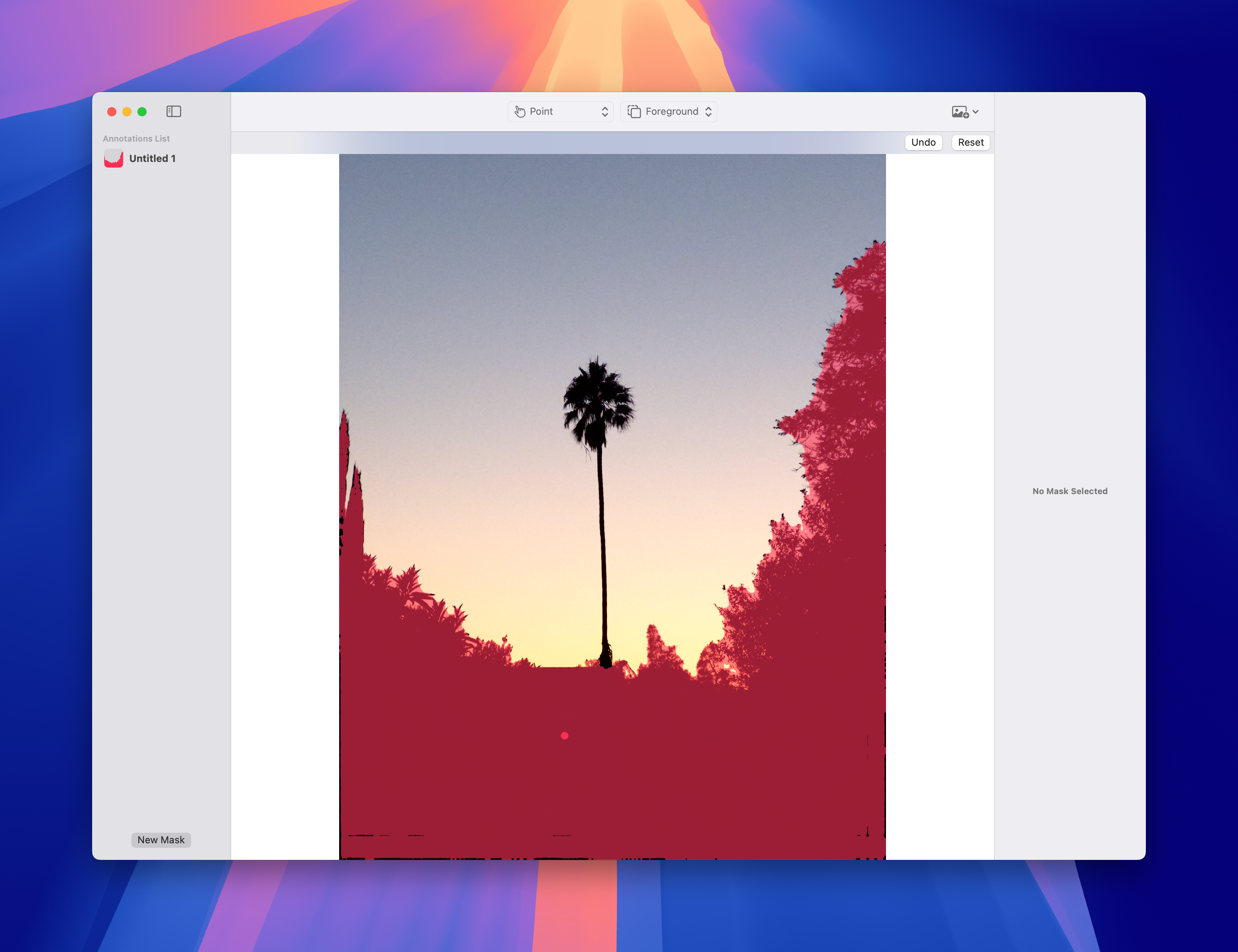
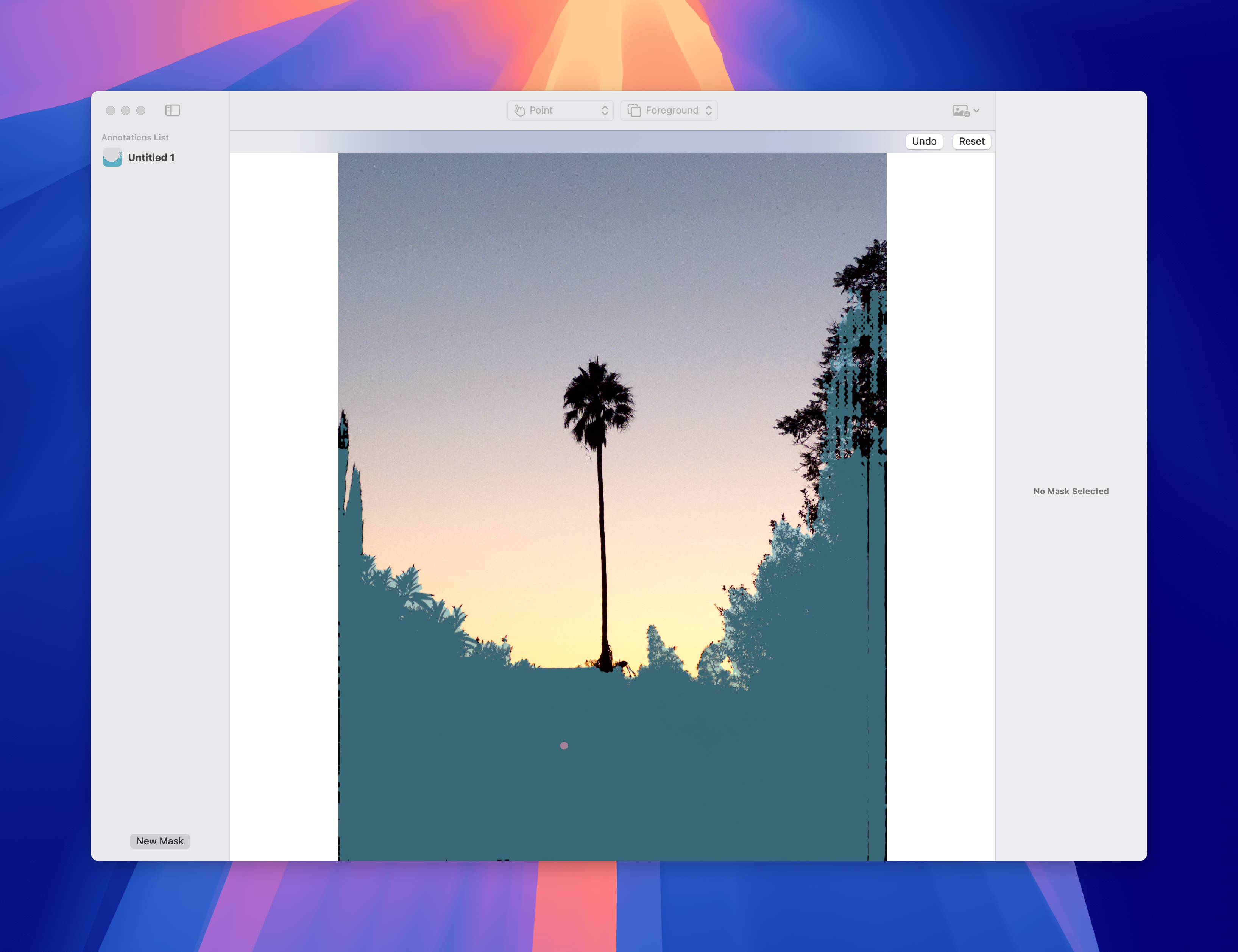
By October 2025, I had SAM2 prototypes connected to Darkroom's rendering engine on Mac and iPhone. The recordings below show selecting parts of a photo and applying adjustments to them. In November, I also built a SAM3 and Core ML demo.
In September 2026, I began working with Apple's object-selection technology, which we used for Magic Select. I also prototyped a bunch of different techniques for refining mask edges. We landed on the three that are now shipping in the app: Edge Fit, Shift Edge, and Feather. The screenshots and recordings below are from the earlier Segment Anything experiments.